W3CAPTURE
Convert multiple webpages to PDF or image files with batch conversion by one click
w3capture for Mac is a webpage, html, htm files capture tool that enables users to create thumbnail images or take full size screenshots of webpages, html and htm files. It is a professional Mac webpage converter software that enables users to convert webpage that requires login and also convert multiple webpages to image files by one click. It's perfect for webmaster, blogger and designer.
-
w3capture allows users to capture entire webpage in the form of PDF or other image files, no matter how long the webpage is.
-
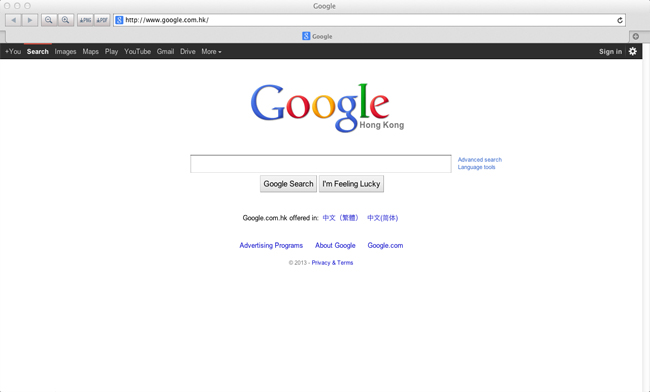
w3capture allows users to convert webpage that requires login to PDF or PNG file with Browse Mode.
-
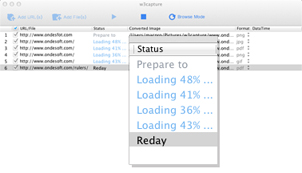
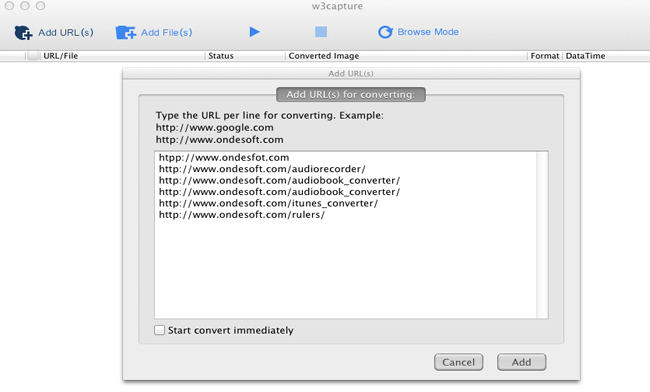
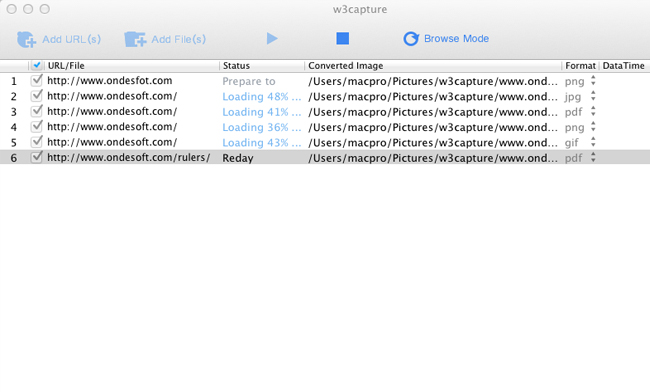
Ondesoft w3capture can also convert any number of different webpage to their own separate PDF or other image files at the same time by one click.
-
Ondesoft w3capture works fast, real fast—save entire webpage to PDF or other image files in seconds!

Convert multiple webpages to image files and PDF
-
Ondesoft w3capture saves the webpages exactly as it appears in your browser so you won’t lose any formatting, picture, or information.
-
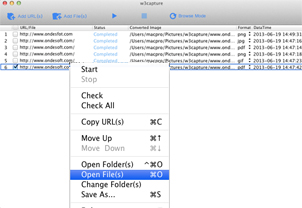
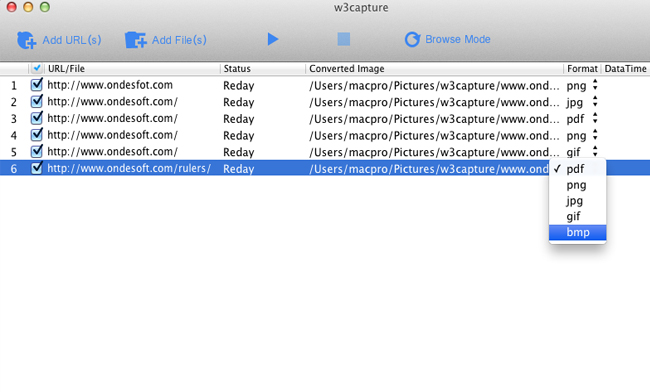
Ondesoft w3capture can also save offline versions of websites in a variety of other formats including PDF, PNG, JPG, GIF and BMP.
Let Ondesoft w3capture work for you, the way you want!
-
Fully custom settings allow you to choose the file type, name and location.
-
Browser configuration options include: Character encoding, width and height perimeters, and even supports for enable or disable JavaScript, Java and Print Backgrounds.
-
Picture option allows you to set output picture width and height as you like.
-
Or, let Ondesoft do all the work and leave the settings to the professionals—Ondesoft w3capture comes equipped with automatic settings to maximize the quality of your webpage capture!
 Windows Product
 Mac Products
FoneUnlocker
Unlock screen passcode, pattern, Touch ID, Face ID, Apple ID.
FoneClean
Erase iPhone/iPad/iPod data&settings with 0% recovery.
W3capture
Convert webpages, html, htm files to image and PDF
 Related Links
Copyright © 2020 Ondesoft- http://www.ondesoft.com - All rights reserved











 Japanese
 Français
 Deutsch
 Español
