I use it mainly for Spotify and Apple Music playlists. Being able to manage both from one app saves me a lot of time.

All-in-One Music Downloader for Spotify, Apple Music & More
Ondesoft All-In-One Streaming Music Converter allows you to download songs, playlists and full albums from Spotify, Apple Music, Amazon Music, Pandora, Deezer, TIDAL and YouTube Music - and save them as MP3/M4A/AAC/FLAC/WAV/AIFF for offline playback.
- Download songs from all major streaming platforms.
- Work with Spotify, Apple Music, Amazon Music, Pandora, Deezer, TIDAL&YouTube Music.
- Save full playlists with one click.
- Grab complete albums with preserved track order.
- Export tracks as MP3, M4A, AAC, FLAC, WAV or AIFF.
- Ideal for offline listening on any device.
- Fast, reliable conversions with full metadata.
Products Included

One App for Multiple Music Services
- Instead of installing a separate downloader for every music service, use one application to manage your music downloads from Spotify, Apple Music, Amazon Music, TIDAL, Deezer, YouTube Music, and Pandora. The only tool you need to save streaming music for offline playback — flexible formats, accurate metadata, and fast batch processing.
- Works seamlessly with Spotify, Apple Music, Amazon Music, Pandora, Deezer, TIDAL, YouTube Music, etc.
- Consolidates all streaming sources in one unified, easy-to-use interface.
- Unlimited batch downloads
- Preserves track order and album grouping

Convert Streaming Music to MP3, FLAC & More
- Download music to MP3, M4A, AAC, FLAC, WAV or AIFF. Choose bitrates, sample rates, and whether to normalize or keep original audio. Use music freely on deferent devices - phones, DJ apps, media servers, and car systems.
- MP3 — compatible with almost any device
- M4A — smaller files with good quality.
- AAC — efficient compressed audio
- FLAC — lossless quality
- WAV — uncompressed audio
- AIFF — high-quality audio
Keep Music Metadata and Album Artwork
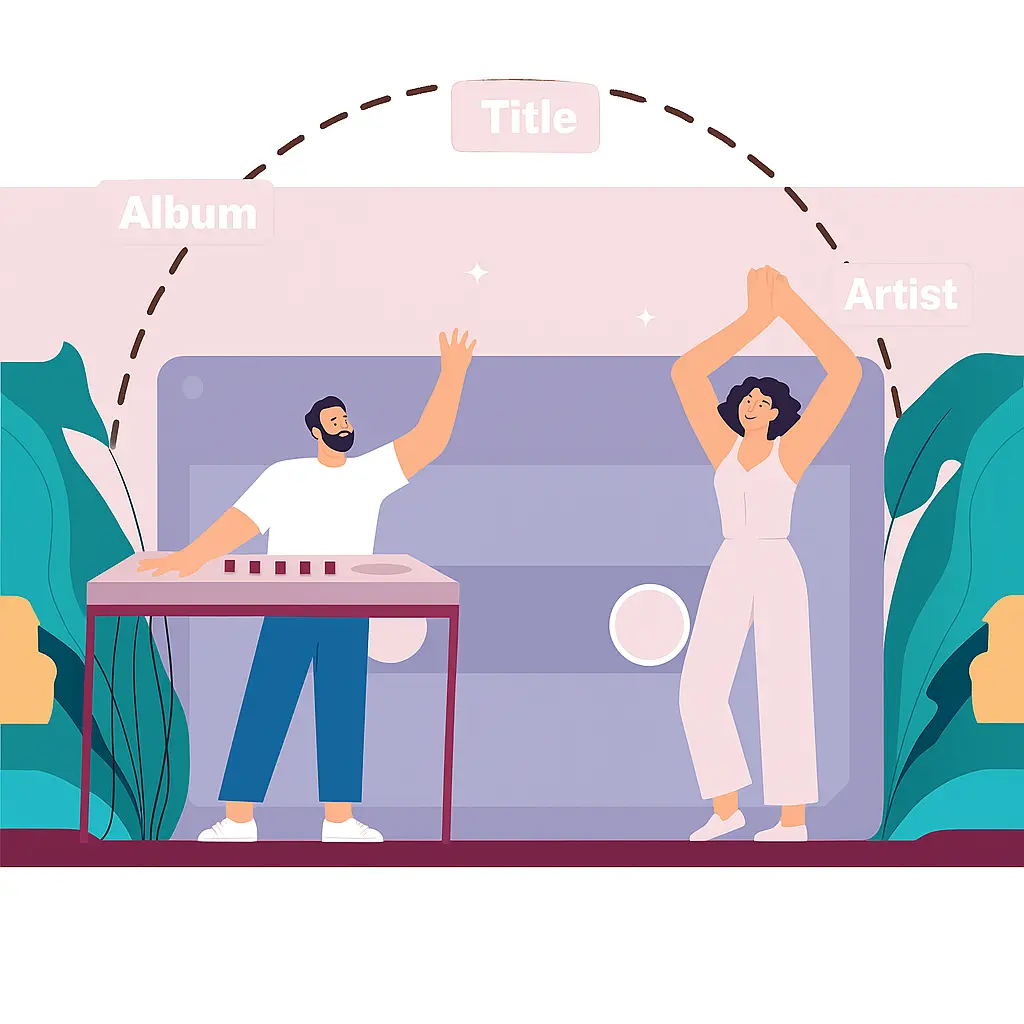
- Onde All-In-One Streaming Music Converter allows you to download songs, albums and playlists from various music streaming services and save them locally with full metadata, including title, artist, album, album artwork, track number, genre, release year, lyrics, etc.
- Automatically fetches artist, album, cover art, track numbers and more.
- Embeds high-resolution cover art directly into the output files.
- Optionally organizes downloaded songs by album or artist.

High Speed & Lossless
- Support for lossless formats like FLAC, WAV and AIFF, plus high-bitrate MP3/AAC for smaller files with great quality.
- Preserves full-fidelity audio using true lossless formats like FLAC, WAV and AIFF.
- Supports high-bitrate MP3, M4A, and AAC for excellent quality with smaller file sizes.
- Perfect for audiophiles, DJs, media servers, and local music collections.
- Multilingual interface: English, French, German, Spanish, Portuguese, 日本語, 简体中文, Czech, Danish, Indonesian, Malay, and Turkish.
Browse and Download Music in One Place
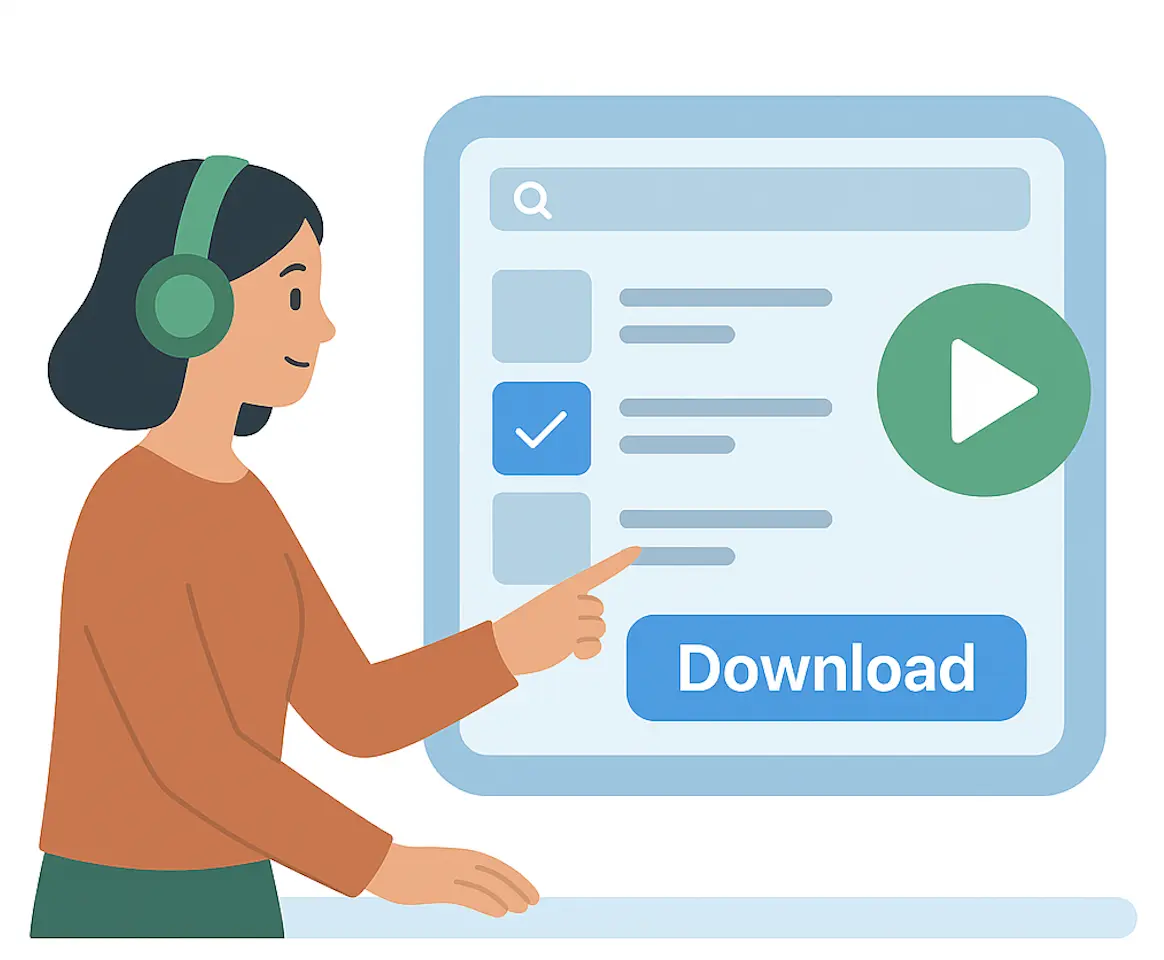
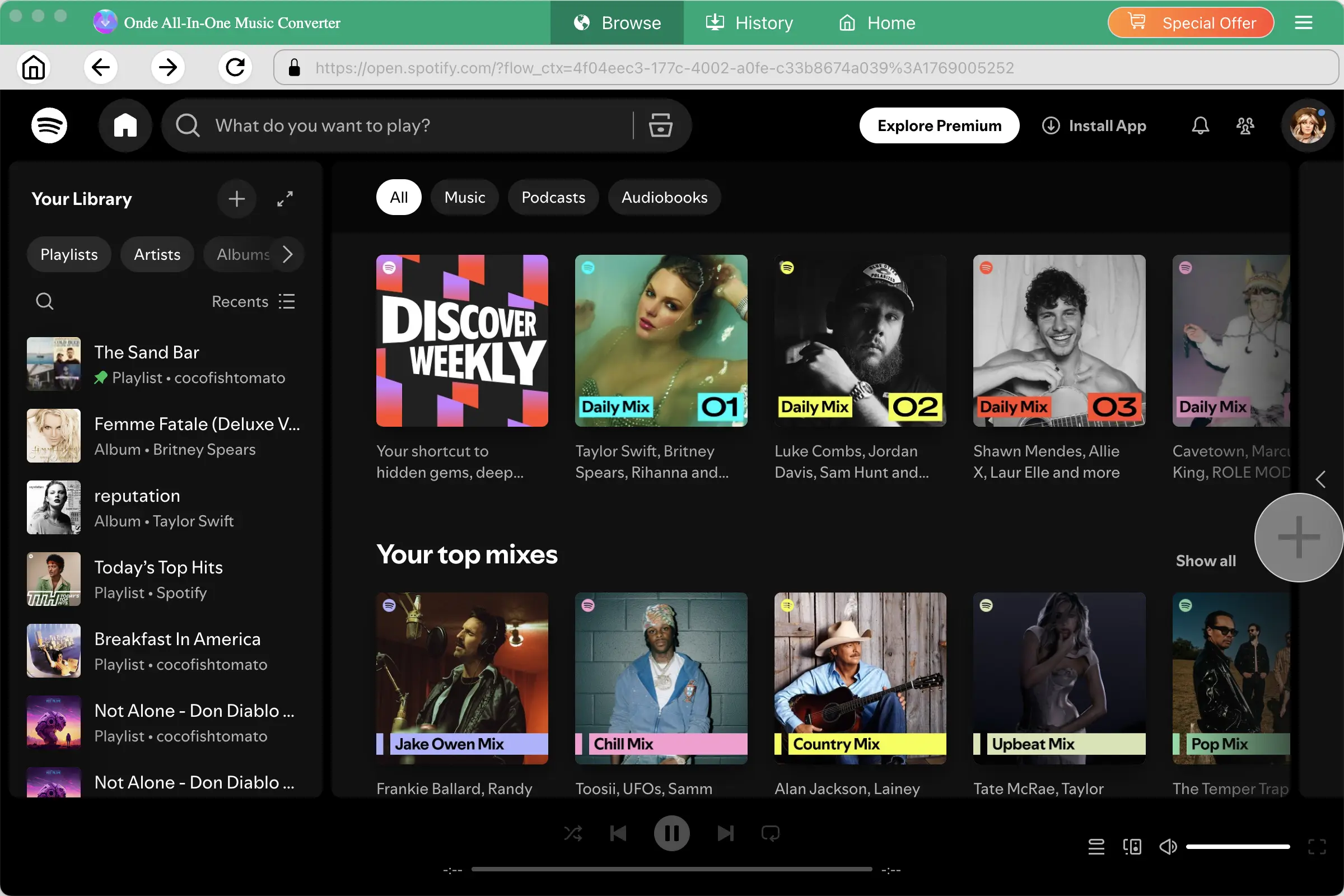
- Sign in to supported streaming services directly inside the app, browse your playlists and albums, and select music to download without switching between multiple applications.
- Sign in securely to your streaming services directly within the app interface.
- Browse your full library — playlists, albums, liked songs, and recommendations.
- Preview tracks before downloading to ensure correct versions and editions.
Why Use an All-in-One Music Converter?
One App, Multiple Services
Download music from multiple streaming platforms without installing separate converters.
Batch Download
Download entire playlists and albums instead of processing songs one by one.
Multiple Output Formats
Convert music to MP3, M4A, AAC, FLAC, WAV, and AIFF.
Offline Playback
Save your music locally and play it on compatible devices and media players.
How to Download Streaming Music
Step 1. Choose a Music Service
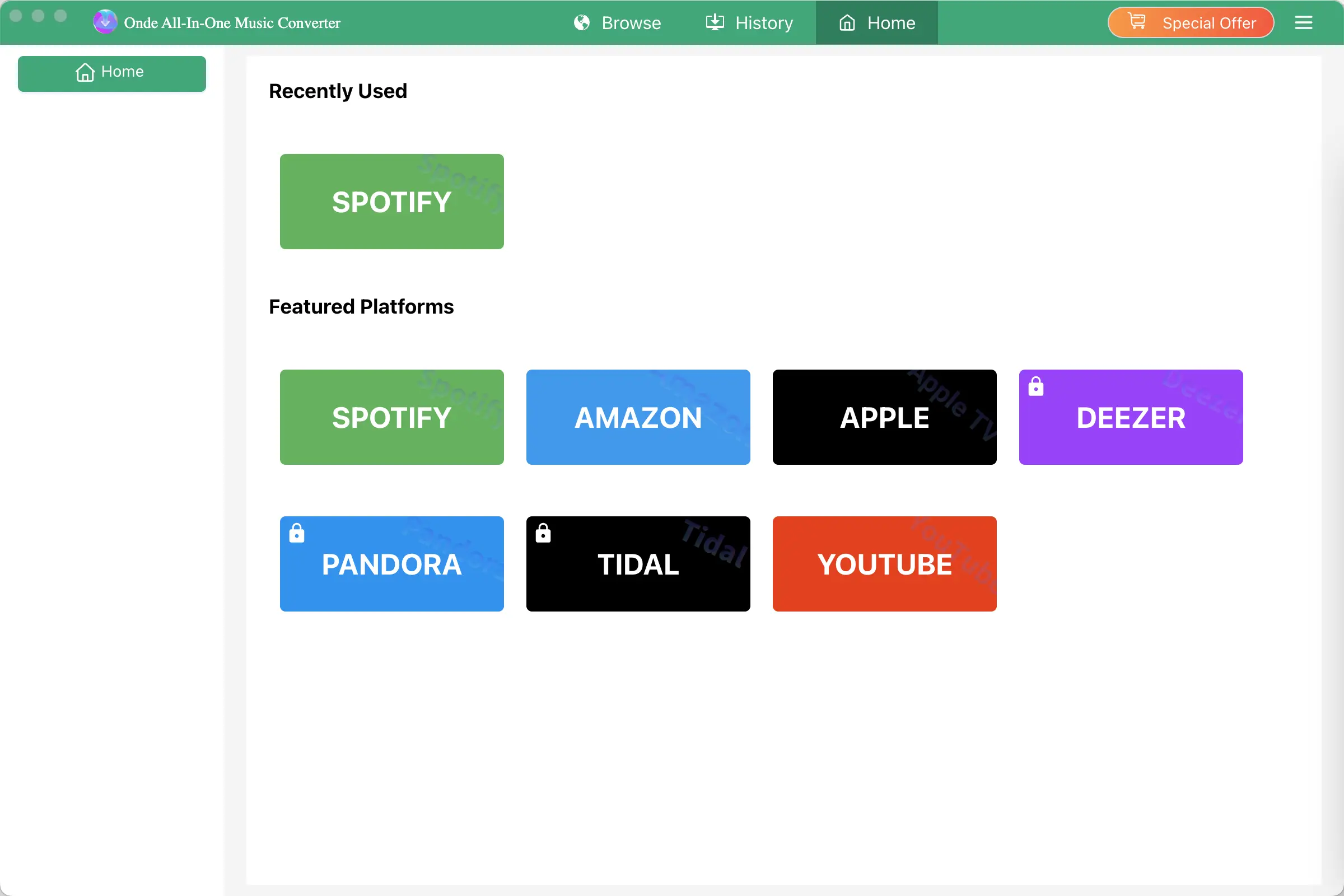
Select Spotify, Apple Music, Amazon Music, TIDAL, Deezer, YouTube Music, or Pandora and log in your account.
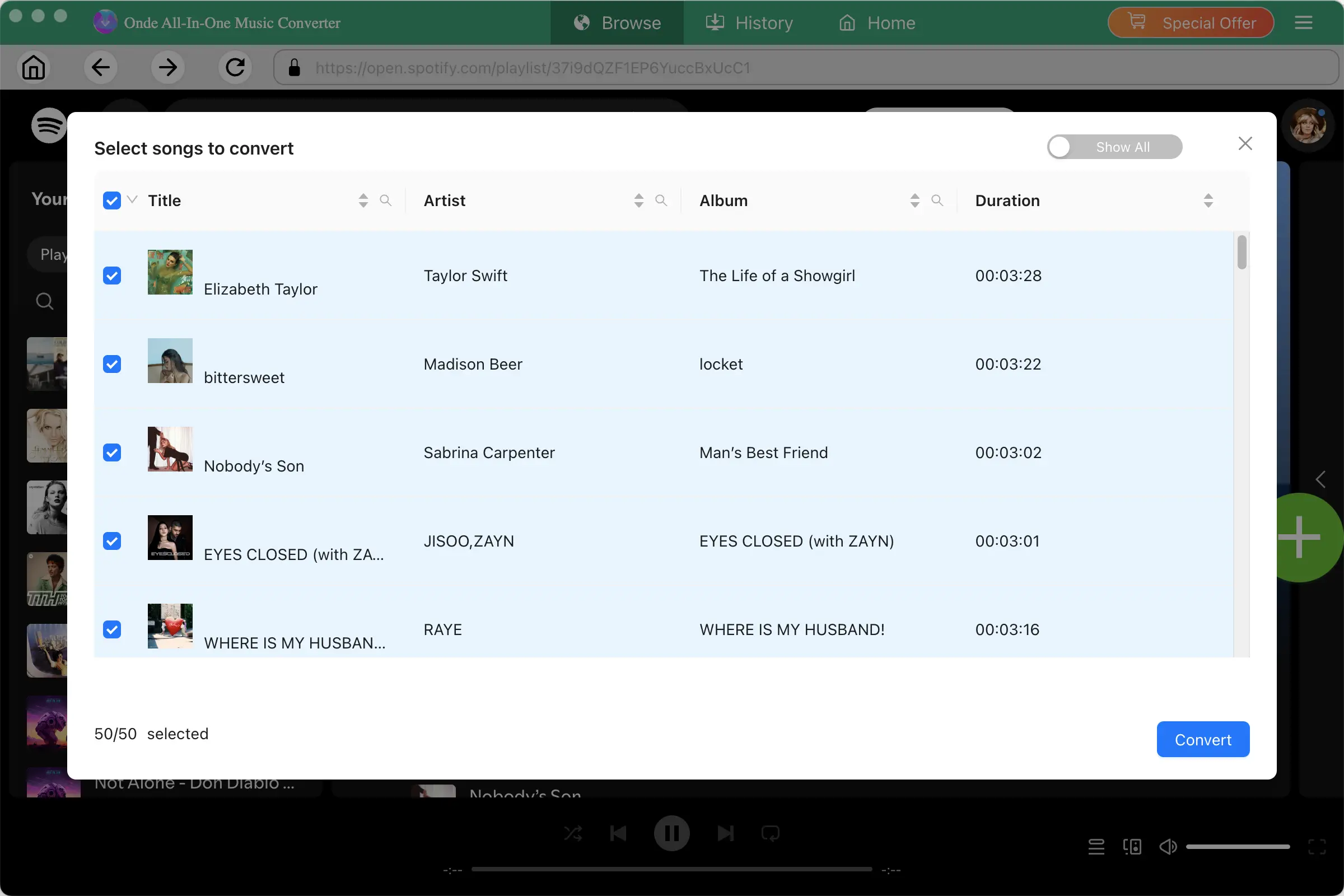
Step 2. Find Your Music
Search or browse songs, albums, and playlists and select what you want to download.
Step 3. Choose an Output Format
Select MP3, M4A, AAC, FLAC, WAV, or AIFF and customize the output quality.
Step 4. Start Downloading
Click Convert and save your music locally for offline playback.
Choose a music service and log in
Frequently Asked Questions
Yes, Ondesoft All-In-One Music Converter works on Windows 10, 11(32-bit & 64-bit),
macOS 10.15 and later.
Ondesoft All-In-One Music Converter supports downloading MP3/FLAC music from Spotify, Apple Music, Amazon Music, TIDAL, Deezer, YouTube Music, and Pandora.
Yes, you need an either free or paid account for the service you want to download music from. However, for YouTube Music, an account is not must.
Yes, you can use Onde All-In-One Streaming Music Converter to download songs with YouTube Music free Plan.
Yes, Ondesoft All-In-One Music Converter allows you to batch download entire playlist and album.
Yes, Ondesoft All-In-One Music Converter is able to download songs in FLAC format.