
Ondesoft SoundCloud Downloader
The most reliable downloader helps you convert SoundCloud songs, playlists, and albums into 320kbps MP3 and other popular audio formats without quality loss. Experience a 100% safe, clean, and fast music downloading process with Ondesoft.
- Supports SoundCloud Free, Go, and Go+ accounts.
- Batch downloads individual tracks, full playlists, and albums.
- Converts audio to MP3, M4A, AAC, FLAC, WAV, and AIFF.
- Preserves the available source quality, with support for up to 320kbps MP3 and lossless output formats.
- Delivers 10X faster conversion speeds.
- Automatically retains full ID3 tags and metadata (artist, title, cover art).
- Supports both Windows and macOS.

Versatile Output Formats
- Ondesoft SoundCloud Downloader converts audio into broadly compatible audio formats. Choose your preferred one to play on any device or media player.
- Convert SoundCloud music to MP3, M4A, AAC, FLAC, WAV, and AIFF.
- Listen to your downloads on smartphones, car stereos, MP3 players, and professional DJ software.
- Select the format that best fits your storage needs or audio setup.

Lossless Quality & High-Bitrate MP3
- Ondesoft preserves the original music quality during conversion, allowing you to enjoy your favorite tracks offline without compression loss.
- Convert tracks without quality loss.
- Save tracks in 320kbps MP3 for crisp, clear playback across all your devices.
- Support for lossless formats like FLAC, WAV, and AIFF ensures best audio fidelity.

Batch Download SoundCloud Music at High-Speed
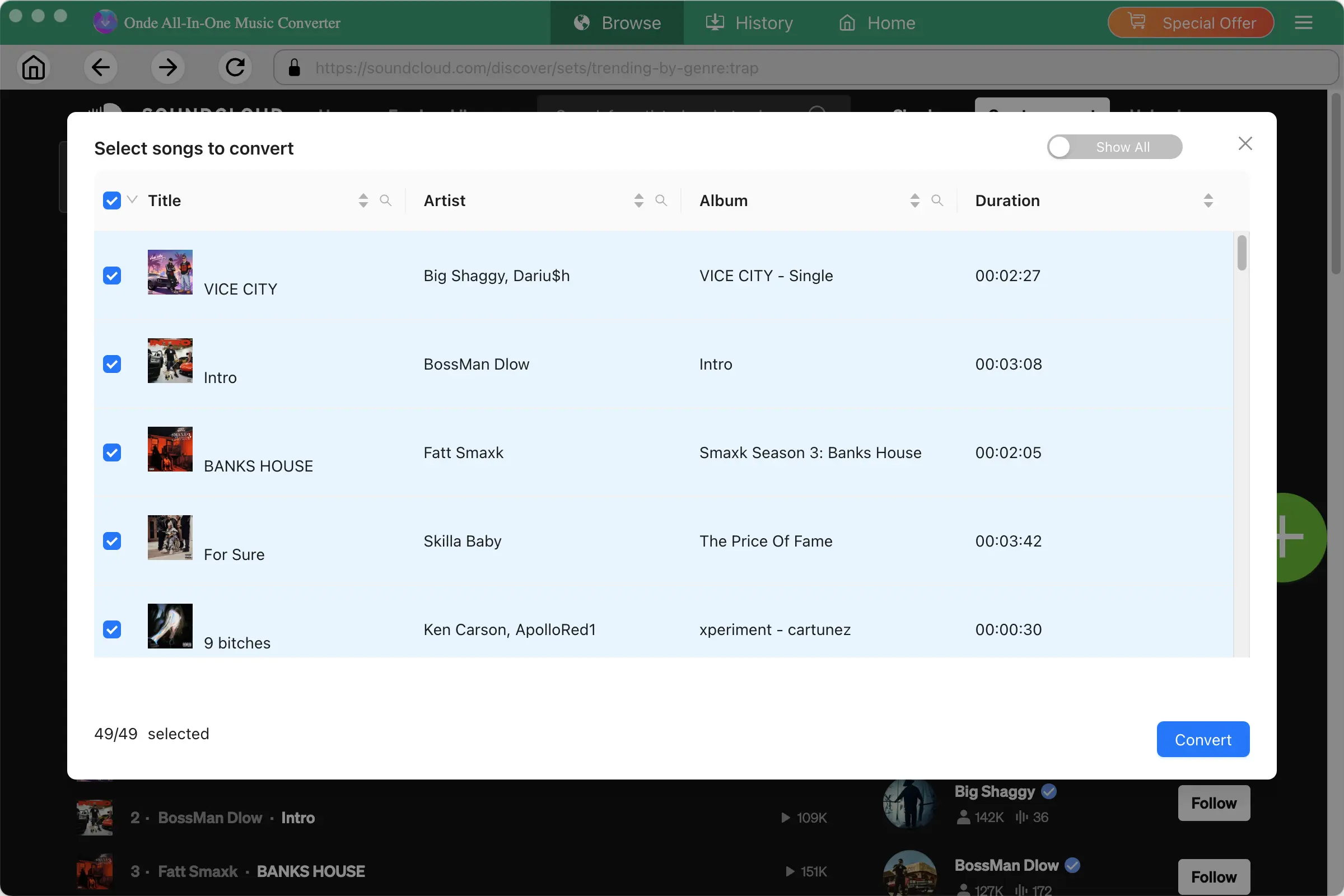
- Save time by capturing entire albums and whole playlists in a single click. Choose your songs, and let the Ondesoft high-speed downloader handle the rest.
- Download individual tracks, entire playlists, or full albums simultaneously.
- Tailor your batch queues by including or removing tracks.
- Works with SoundCloud Free, Go, and Go+ accounts.
- Convert large music collections at 10X faster speed.
Conversion with ID3 Tags and Metadata
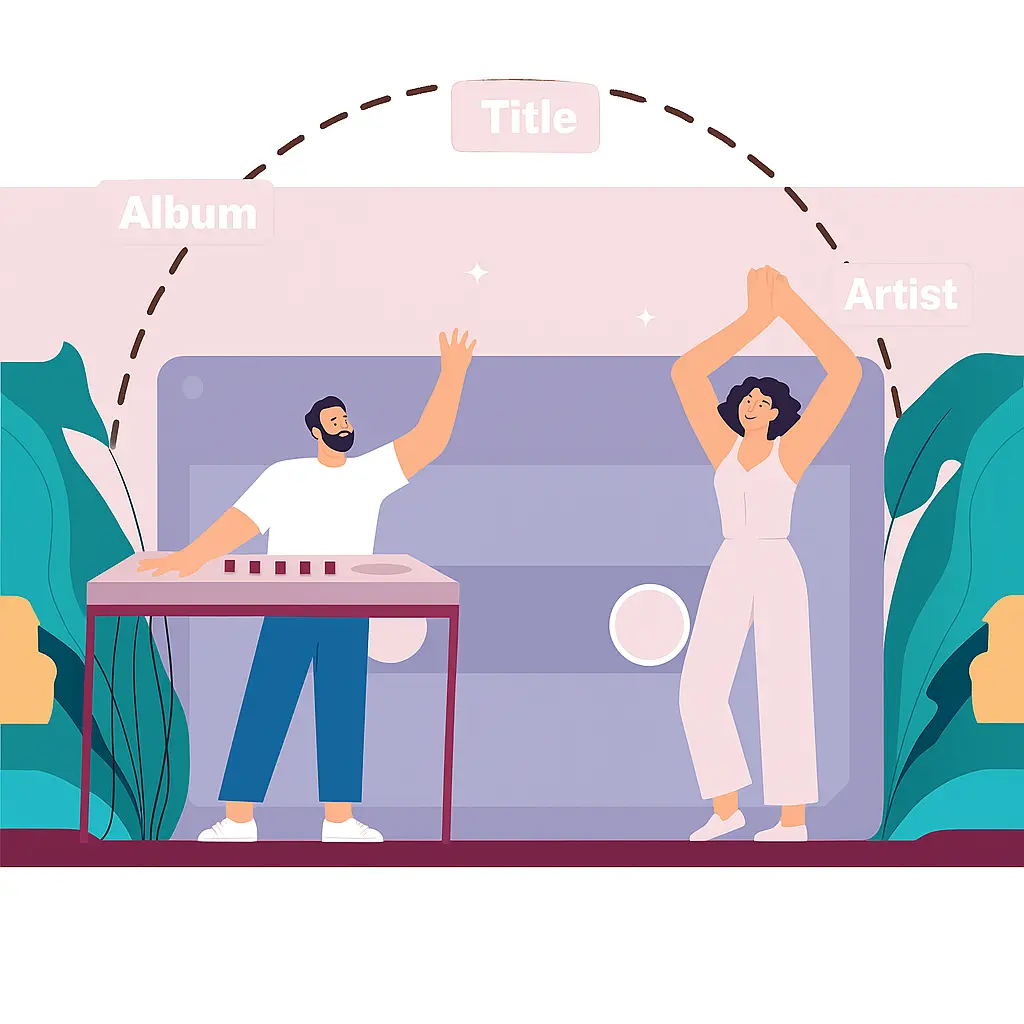
- With Ondesoft, you can download songs, albums, and playlists from SoundCloud with full ID3 tags and metadata. Keep your offline music library perfectly structured without manual file renaming.
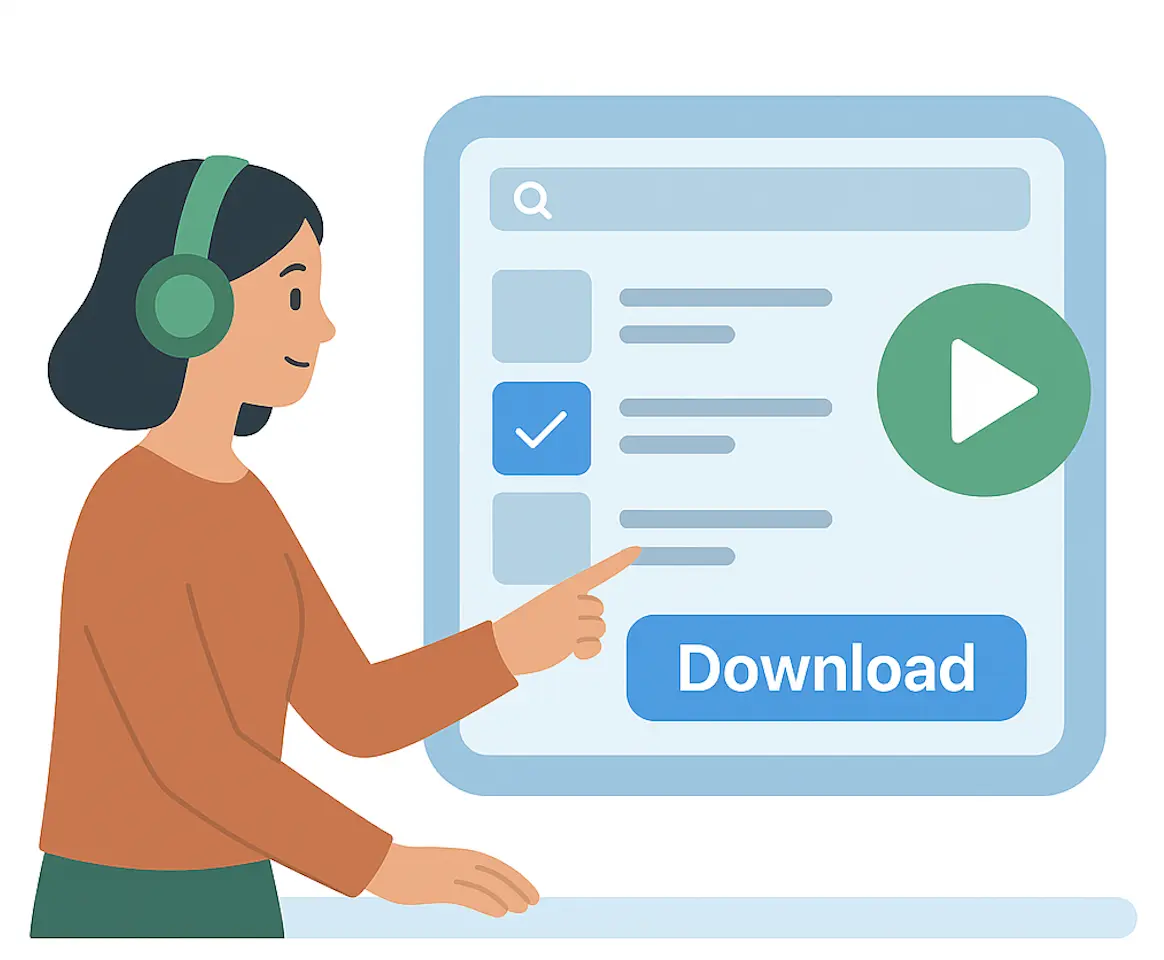
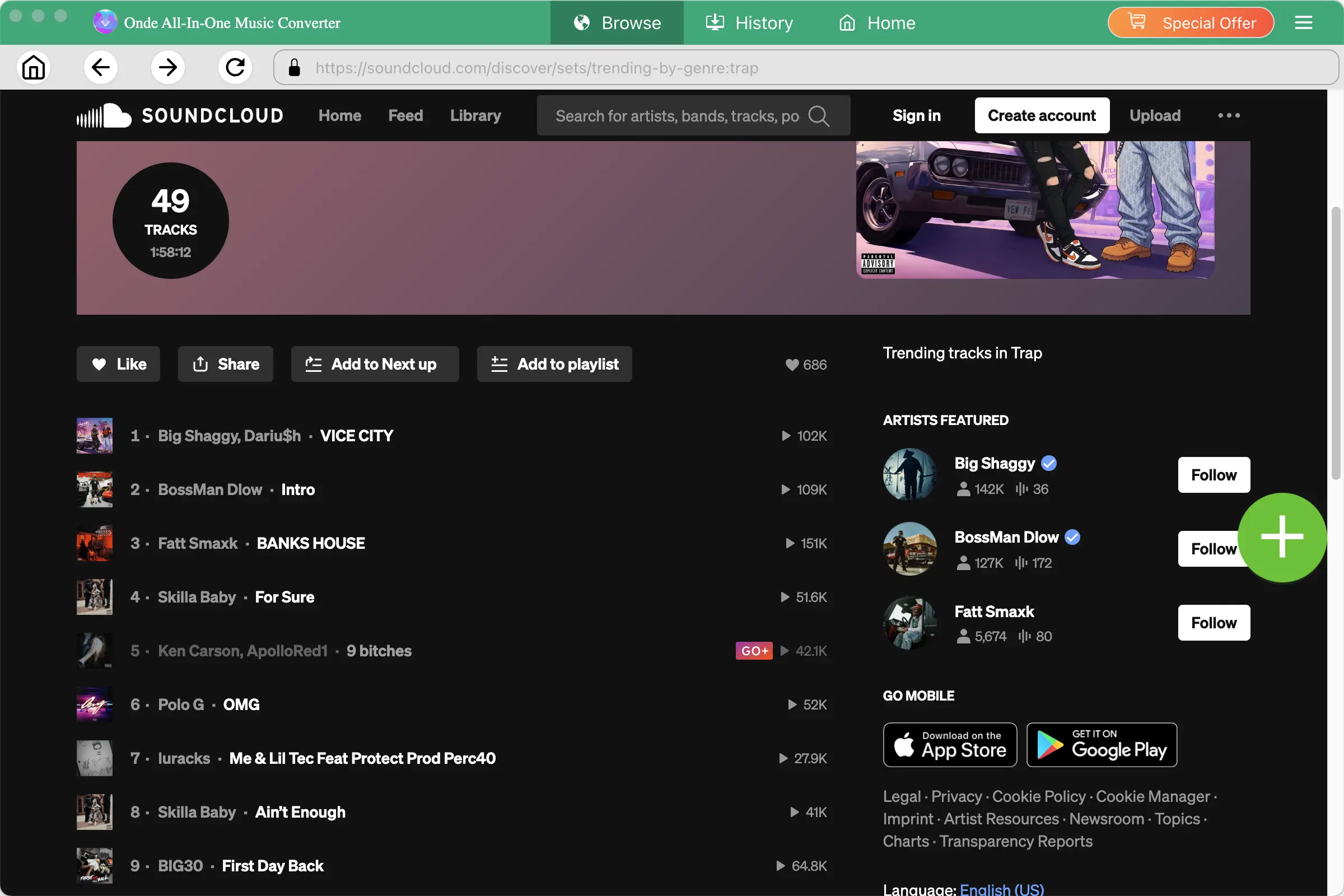
- Search and select songs directly with the built-in SoundCloud web player.
- Retain full metadata during conversion, including track title, artist name, album art, genre, and track number.
- Customize track naming rules to automatically organize your local music folder.
Safe and Reliable Operation
- A clean, lightweight desktop application built for both Windows and macOS. Ondesoft delivers a secure downloading experience and ensures your downloads always run smoothly.
- Fully supported on both Windows and macOS systems.
- 100% safe and clean use, free of adware, malware, viruses, or bundled unwanted software.
- Smooth, reliable performance built for consistent, error-free downloads every time.
- Maintained with regular software patches to keep up with SoundCloud updates.
Why Users Choose Ondesoft SoundCloud Downloader?
SoundCloud to MP3, FLAC, etc.
Download SoundCloud music to MP3/M4A/AAC/FLAC/WAV/AIFF on Mac and Windows.
Batch Download
Download entire playlists and albums instead of processing songs one by one.
Multiple Output Formats
Convert music to MP3, M4A, AAC, FLAC, WAV, and AIFF.
Offline Playback
Save your music locally and play it on compatible devices and media players.
How to Download SoundCloud music to MP3
Step 1.Launch Ondesoft SoundCloud Downloader
Download, install, and launch Ondesoft SoundCloud Downloader on your Mac or Windows computer, then log in to your SoundCloud account.
Step 2. Find Your Music
Search or browse songs, albums, and playlists and select what you want to download.
Step 3. Choose an Output Format
Select MP3, M4A, AAC, FLAC, WAV, or AIFF and customize the output quality.
Step 4. Start Downloading
Click Convert and save your music locally for offline playback.
Download, install, and launch Ondesoft SoundCloud Downloader
Frequently Asked Questions
Yes, Ondesoft SoundCloud Downloader works on Windows 10, 11(32-bit & 64-bit),
macOS 10.15 and later.
Yes. You can download and use Ondesoft SoundCloud Downloader for free. The free version allows you to download the first 3 minutes of each song. To unlock full song downloads, you can purchase a registration code.
Ondesoft SoundCloud Downloader supports SoundCloud accounts at various subscription tiers. Depending on your account type and location, you can use this downloader to download content from SoundCloud Free, Go, Go+, or Go+ Student accounts.
Ondesoft SoundCloud Downloader lets you designate a local folder as the output location. Once downloaded, you can easily transfer them to and play them on any supported media player or device.
Yes, Ondesoft SoundCloud Downloader allows you to batch download entire playlist and album.
Yes, Ondesoft SoundCloud Downloader is able to download songs in FLAC format.