

How to Download SoundCloud Music with Ondesoft SoundCloud Downloader
Ondesoft SoundCloud Downloader makes it easy to download supported SoundCloud tracks, playlists, and albums to your computer. Follow the steps below to save SoundCloud music as MP3, M4A, AAC, FLAC, WAV, or AIFF with available audio quality and metadata.
1. Install and Launch Ondesoft SoundCloud Downloader
Download and install Ondesoft SoundCloud Downloader on your Windows PC or Mac. Launch the program after installation.


Log in your SoundCloud account.
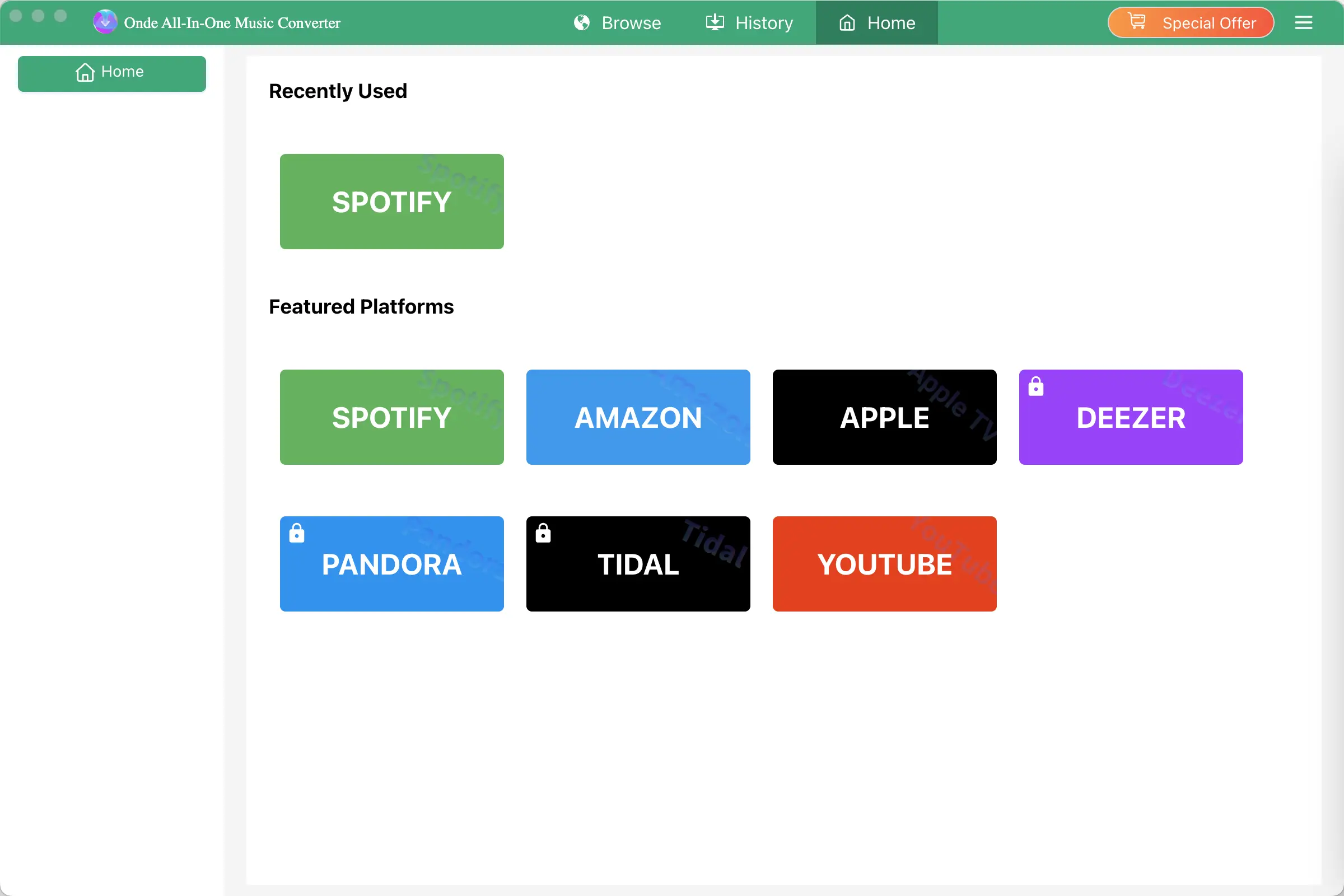
Click the Key icon to register it if you have purchased a license. If you don't have a license, go ahead with the free trial version.
2. Choose Output Format and Audio Quality
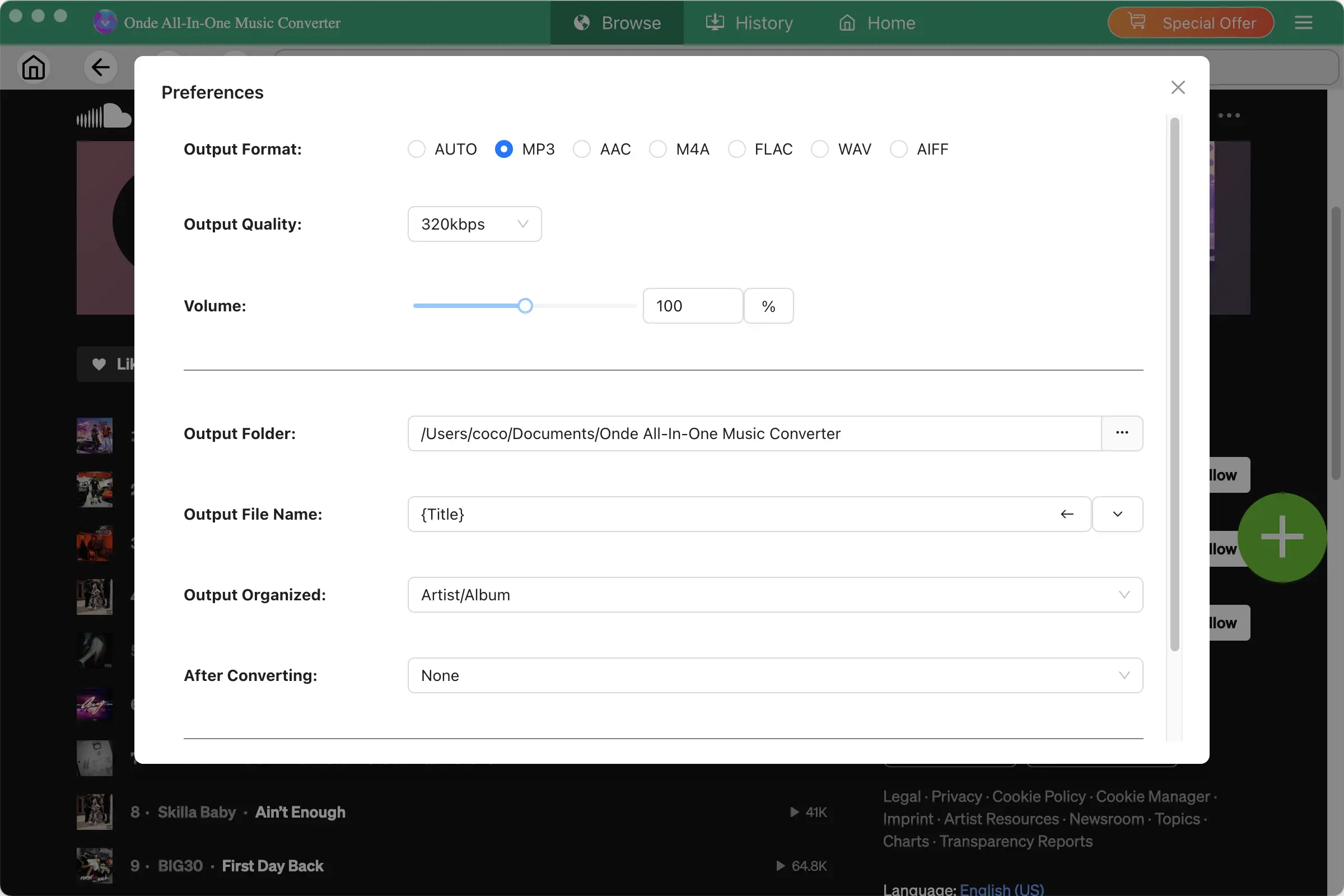
Click the gear icon in the top right corner of the main window to open Settings windows. You can change output format or output song quality as you wish. There are many quality options for each format. You can pick the one that suits you best.
Output File Name: name the songs with any combination of Title, Artist, Album, Playlist Index, Track Number. For example, if you choose Title and Artist, Tylor Swift's song Lover will be named as Lover Tylor Swift.mp3.
Output Organized: organize downloaded songs by Artist, Album, Artist/Album or Album/Artist.
3. Find the SoundCloud Music You Want to Download
Browse SoundCloud using the built-in web player and find the track, playlist, or album you want to save.
You can search for music by:
- Song title
- Artist name
- Album
- Playlist
Open the track or playlist to view its available content.
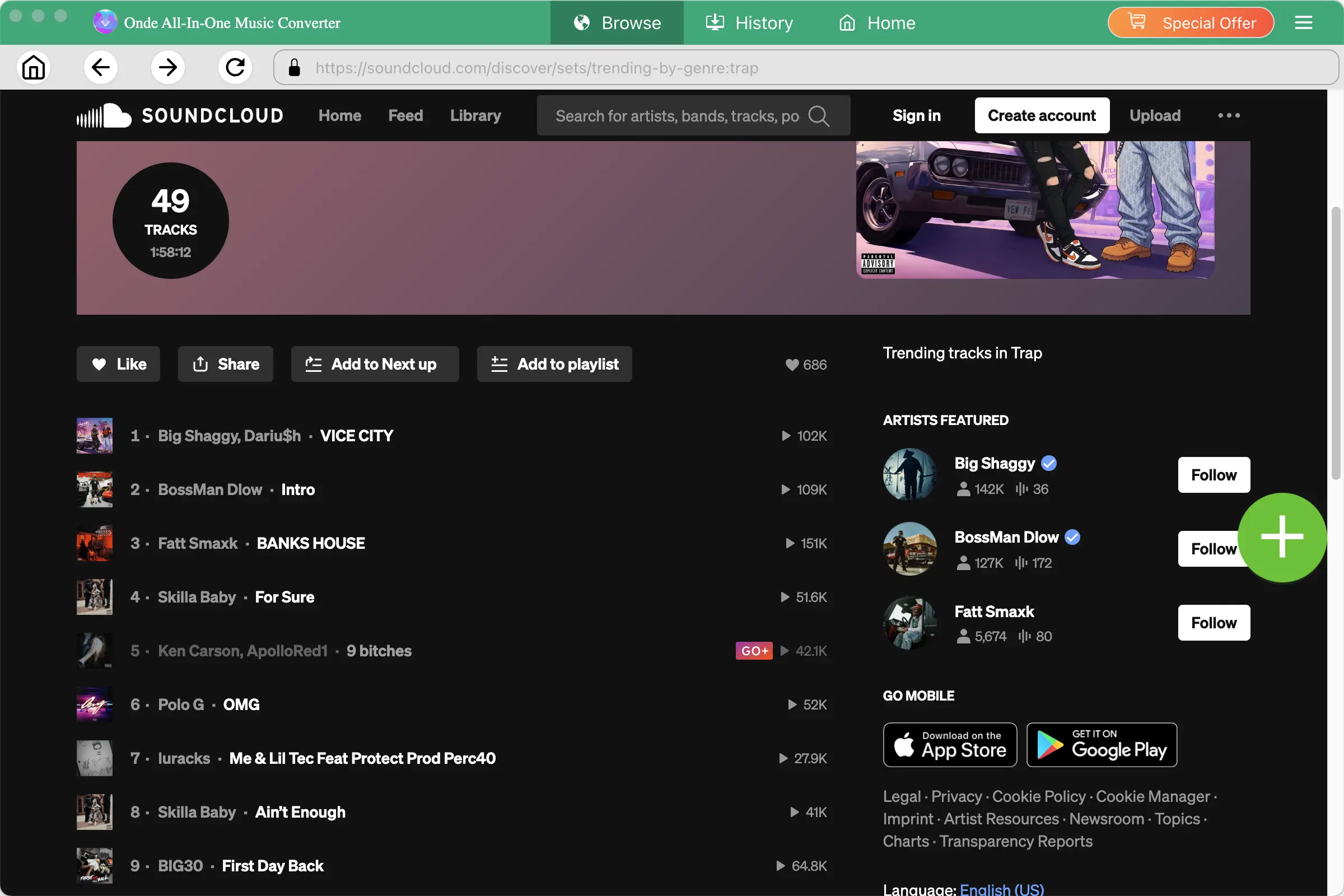
If multiple audio options are available, select the audio track you want to keep.
4. Start Downloading SoundCloud Music
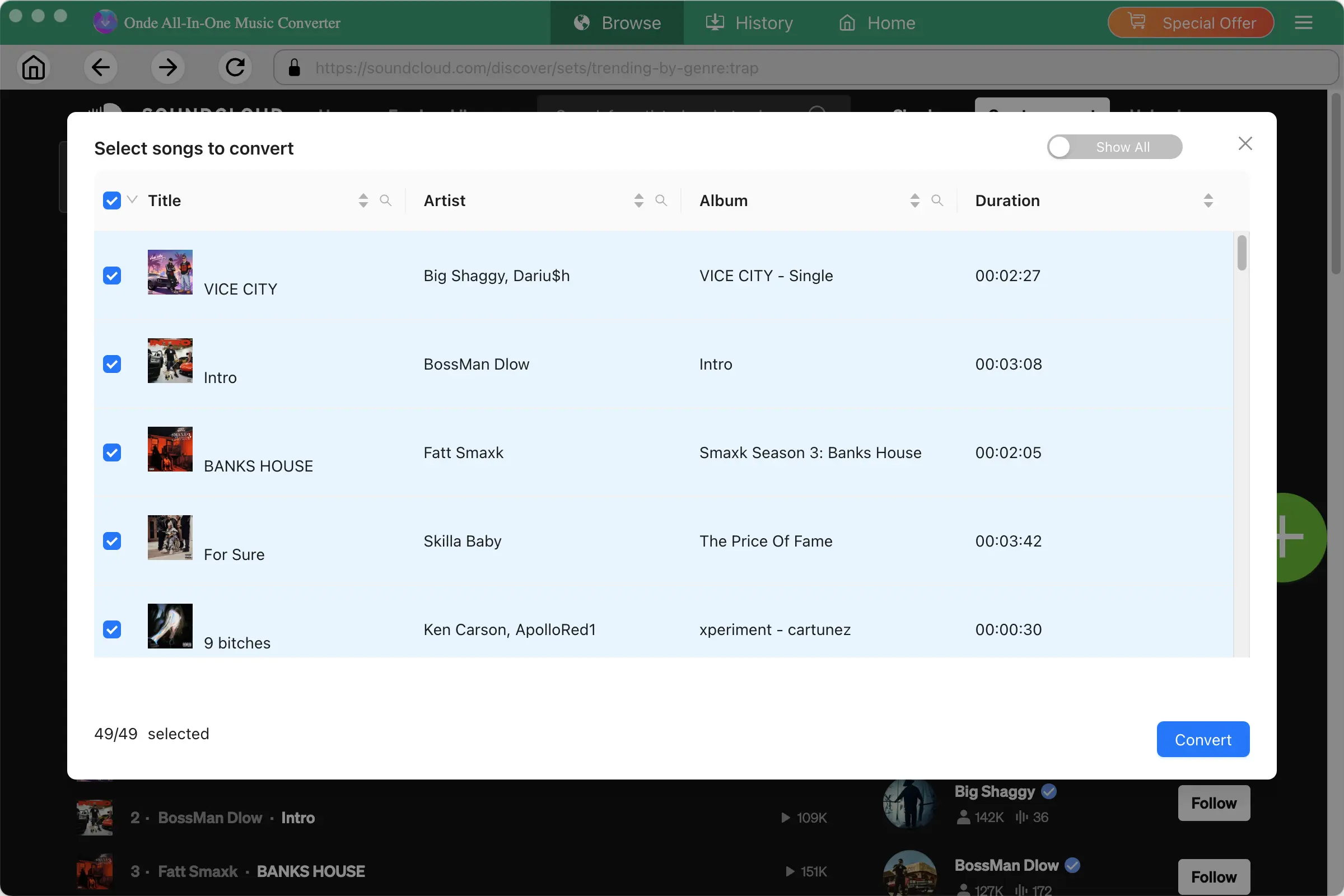
After configuring your settings, click Convert to start. For playlists and albums, Ondesoft can process multiple tracks in batch, saving you from downloading each song individually.
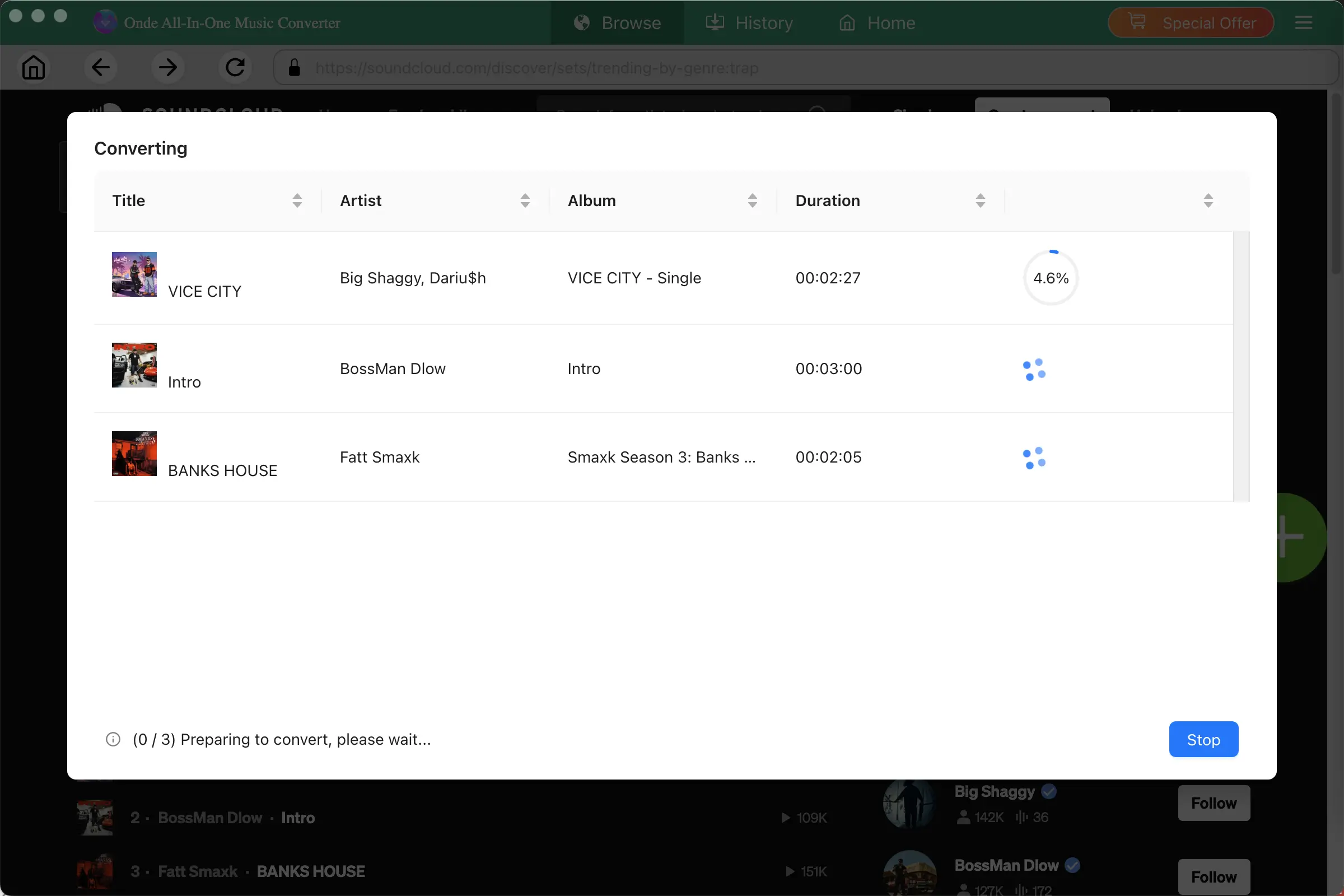
When the download is complete, open the output folder to find your downloaded files. You can then organize the files in your local music library or play them with compatible media players.
SoundCloud Downloader

Download and Convert SoundCloud Music to MP3, M4A, FLAC, etc. on Mac&Windows