

SoundCloud to WAV: How to Download SoundCloud Songs as WAV
Want to save your SoundCloud songs as WAV files? WAV is a lossless audio format commonly used for audio editing, music production, and archiving. Unlike MP3, WAV does not use lossy compression when encoding audio.
However, it's important to note that converting SoundCloud audio to WAV does not automatically improve its original sound quality. If the source audio stream is already compressed, converting it to WAV will only generate a WAV version of that source audio.
In this guide, we'll show you how to download SoundCloud audio as WAV files using yt-dlp and Ondesoft SoundCloud Downloader.
Can You Download SoundCloud Songs as WAV?
Yes. You can use a third-party SoundCloud downloader to save audio from SoundCloud as WAV files.
SoundCloud itself offers offline listening for some subscribers, but the saved files are not regular WAV or MP3 files and cannot be directly managed on your computer. If you need WAV files, you'll need a tool that can download audio and convert or save it as WAV.
There are several ways to do this, with yt-dlp and Ondesoft SoundCloud Downloader being two relatively practical options.
Method 1: Download SoundCloud to WAV with yt-dlp
yt-dlp is a free and open-source command-line downloader that supports SoundCloud. Its current documentation lists WAV among the audio formats supported by --audio-format. Audio extraction and conversion require FFmpeg and FFprobe.
Step 1. Install yt-dlp and FFmpeg
Install yt-dlp on your computer and make sure FFmpeg and FFprobe are available.
On macOS, for example, you can install them with Homebrew:
brew install yt-dlp ffmpeg
Then verify the installation:
yt-dlp --version ffmpeg -version
Step 2. Copy the SoundCloud URL
Open SoundCloud and copy the URL of the song you want to download.
You can also use a SoundCloud playlist URL if you want to process multiple tracks.
Step 3. Convert SoundCloud to WAV
Run:
yt-dlp -x --audio-format wav "SOUNDCLOUD_URL"
For example:
yt-dlp -x --audio-format wav "https://soundcloud.com/artist/track-name"
Pros
- Free and open source
- Supports individual tracks and playlists
- Supports WAV output
- Offers many command-line options for customization
- Works on Windows, macOS, and Linux
Cons
- Requires Terminal or Command Prompt
- MP3 conversion requires FFmpeg
- Can be difficult for beginners
- Some SoundCloud tracks may not be downloadable because of DRM or other access restrictions
Method 2: Convert SoundCloud to WAV with Ondesoft SoundCloud Downloader
If you don't want to use command-line tools, Ondesoft SoundCloud Downloader provides a more straightforward graphical workflow.
Instead of entering yt-dlp commands and configuring FFmpeg manually, you can use the application's interface to add SoundCloud tracks or playlists and save the available audio in WAV format.
How to Download SoundCloud to WAV with Ondesoft
- Launch Ondesoft SoundCloud Downloader.
- Add the SoundCloud track or playlist you want to download.
- Select WAV as the output format.
- Choose the output folder.
- Start the download.
The software can then process the selected SoundCloud content and save the resulting files as WAV.
Pros
- Easy-to-use graphical interface
- Supports SoundCloud playlist downloads
- Supports batch downloading
- Can save SoundCloud audio as MP3
- No command-line operation required
- More convenient for users who don't want to configure yt-dlp and FFmpeg
- Suitable for downloading multiple tracks in a playlist
Cons
- Requires desktop software installation
yt-dlp vs. Ondesoft SoundCloud Downloader
Which SoundCloud to WAV downloader should you choose?
| Feature | yt-dlp | Ondesoft SoundCloud Downloader |
| SoundCloud Support | Yes | Yes |
| WAV Output | Yes | Yes |
| Playlist Download | Yes | Yes |
| Batch Download | Yes | Yes |
| Command Line | Yes | No |
| FFmpeg Setup | Yes | No |
| Beginner Friendly | Medium | Yes |
| Customization | Difficult | Easy |
Choose yt-dlp if you want a free and highly customizable command-line solution.
Choose Ondesoft SoundCloud Downloader if you prefer a graphical interface and want a simpler way to download multiple SoundCloud tracks as WAV.
Why yt-dlp Can't Download Some SoundCloud Songs?
Not every SoundCloud track can necessarily be downloaded. Some SoundCloud tracks may be DRM protected and can't be downloaded. However, Ondesoft uses a different download workflow and can successfully process some SoundCloud tracks that yt-dlp reports as DRM protected.
In our testing, the same SoundCloud playlist that could not be downloaded successfully with yt-dlp was successfully processed by Ondesoft. This makes Ondesoft a useful option when yt-dlp cannot access certain SoundCloud tracks.
Can You Download a SoundCloud Playlist as WAV?
Yes. Both yt-dlp and Ondesoft SoundCloud Downloader can be used to download SoundCloud playlists and save the available tracks as WAV.
6. How to download SoundCloud to WAV with Ondesoft SoundCloud Downloader
1. Install and Launch Ondesoft SoundCloud Downloader
Download and install Ondesoft SoundCloud Downloader on your Windows PC or Mac. Launch the program after installation.
Log in your SoundCloud account.
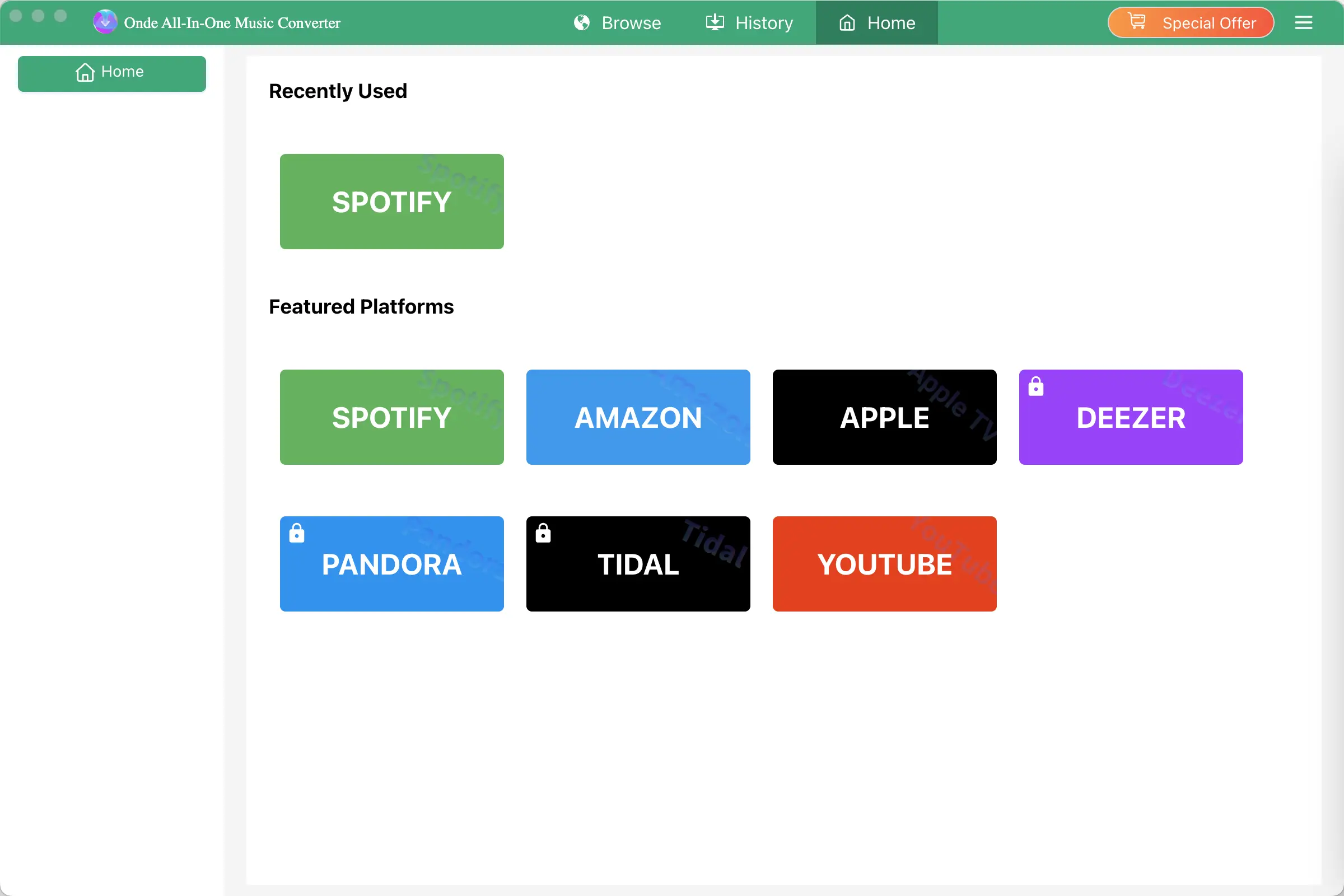
Click the Key icon to register it if you have purchased a license. If you don't have a license, go ahead with the free trial version.
2. Choose Output Format and Audio Quality
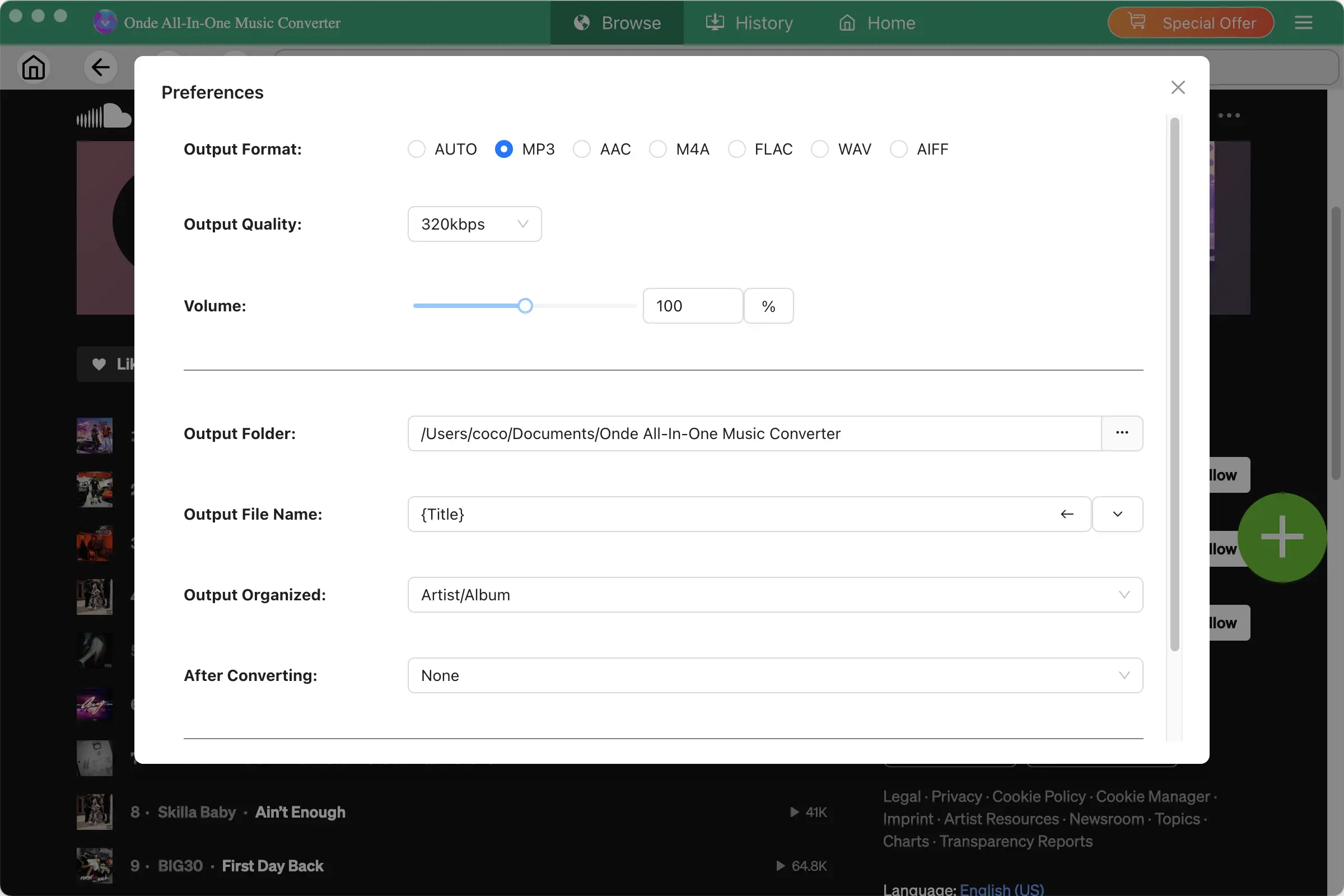
Click the gear icon in the top right corner of the main window to open Settings windows. You can change output format or output song quality as you wish. There are many quality options for each format. You can pick the one that suits you best.
Output File Name: name the songs with any combination of Title, Artist, Album, Playlist Index, Track Number. For example, if you choose Title and Artist, Tylor Swift's song Lover will be named as Lover Tylor Swift.mp3.
Output Organized: organize downloaded songs by Artist, Album, Artist/Album or Album/Artist.
3. Find the SoundCloud Music You Want to Download
Browse SoundCloud using the built-in web player and find the track, playlist, or album you want to save.
You can search for music by:
- Song title
- Artist name
- Album
- Playlist
Open the track or playlist to view its available content.
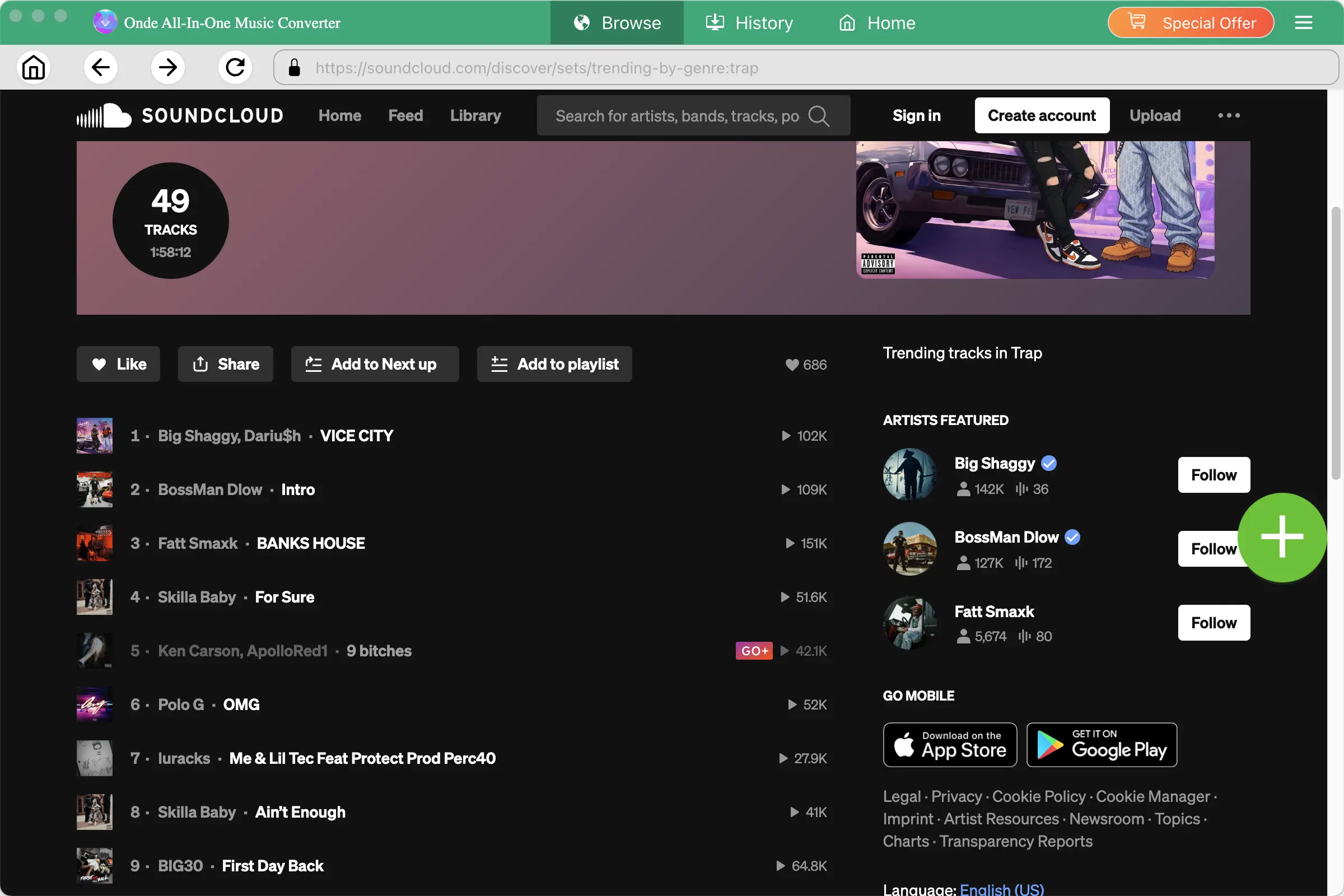
If multiple audio options are available, select the audio track you want to keep.
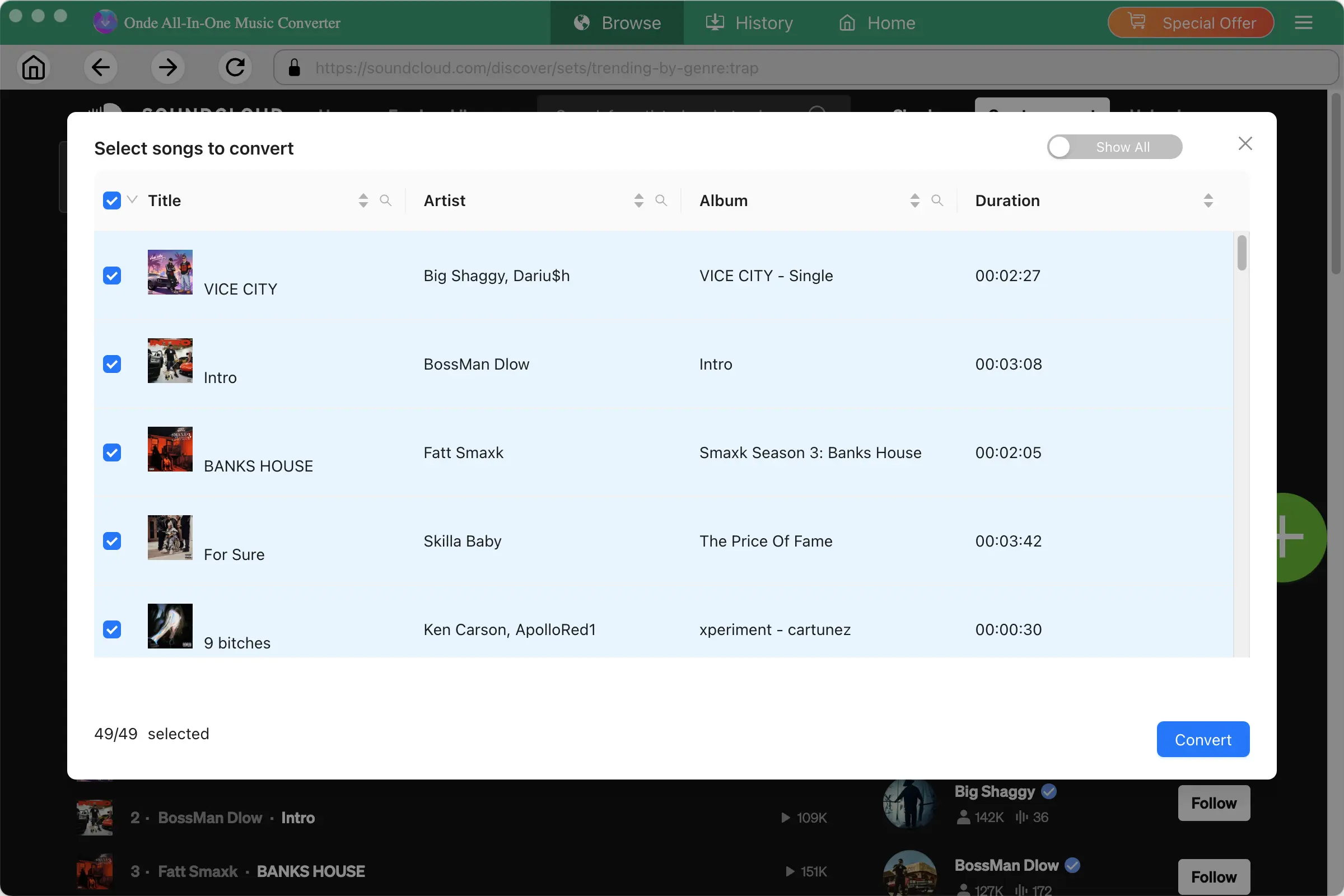
4. Start Downloading SoundCloud Music
After configuring your settings, click Convert to start. For playlists and albums, Ondesoft can process multiple tracks in batch, saving you from downloading each song individually.
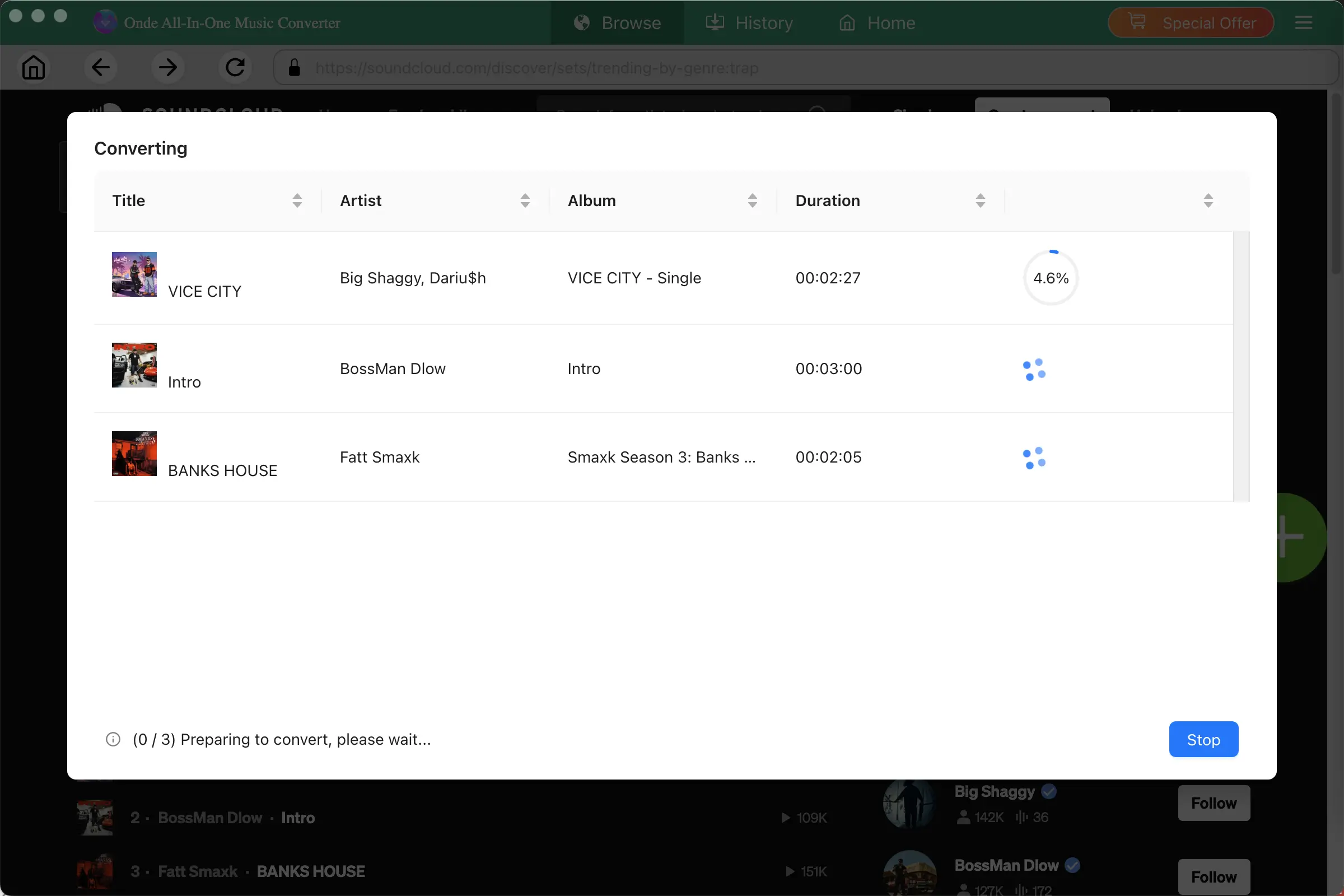
When the download is complete, open the output folder to find your downloaded files. You can then organize the files in your local music library or play them with compatible media players.
SoundCloud Downloader

Download and Convert SoundCloud Music to MP3, M4A, FLAC, etc. on Mac&Windows