

8 Ampcc Alternatives to Download YouTube to MP3
AMPCC used to be an online platform known for providing YouTube to MP3 and YouTube to MP4 conversion services, along with other related tools, with an emphasis on being safe, simple, and ad-free. One notable advantage of AMPCC is that it supports downloading and converting entire YouTube playlists, allowing users to process multiple videos at once instead of handling them individually, which made it especially convenient for users who wanted to save music albums, lecture series, or curated video collections efficiently.
However, the site is now defunct and no longer provides active services, so here we will show you some alternative options that offer similar functionality for converting and downloading YouTube music.
Contents
- CnvMP3(Online)
- converterbear.pro(Online)
- yout.com/(Online)
- oneforalldownloader.com(Online)
- NewPipe(Android)
- yt-dlp(CLI tool)
- JDownloader(Mac/Windows/Linux)
- Ondesoft Spotify Converter
What is amp3.cc?
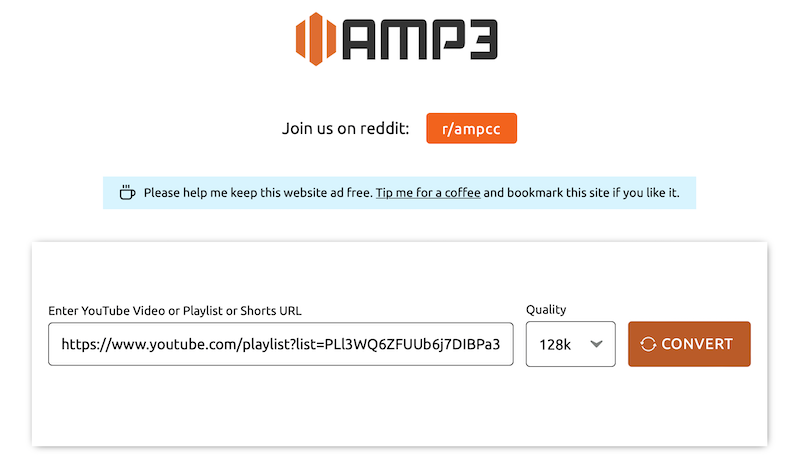
https://amp3.cc is a free YouTube to MP3 converter that allows you to convert single Youtube video or a whole playlist. It is one of its kind, first free converter that has no ads and supports converting YouTube playlists. However, it only supports converting playlists for up to 180 minutes in length(3 hours.) If you have a playlists longer than 3 hours, it can’t download all of the videos in this playlists to MP3. Besides, it doesn’t mark which videos are converted and which ones are not.
How to use this online tool to convert YouTube Playlist to MP3?
- Visit YouTube.com and copy the playlist URL from the upper URL bar in your browser. If you are using an phone or tablet, click share iconon the playlist page, and then click on Copy link button.
- Visit https://amp3.cc and paste the copied URL to the input field.
- Select prefed quality from the dropdown.
- After that, you click on the Convert button, and your conversion will start.
- When the conversion is finished, a download button will appear. Click on this button, and your MP3 file will start to download on your device in a zip file.
Cons:
Can't convert playlists longer than 240 minutes (4 hours).
Can't select videos from the playlist.
Some songs can't be downloaded.
1. CnvMP3(Online)
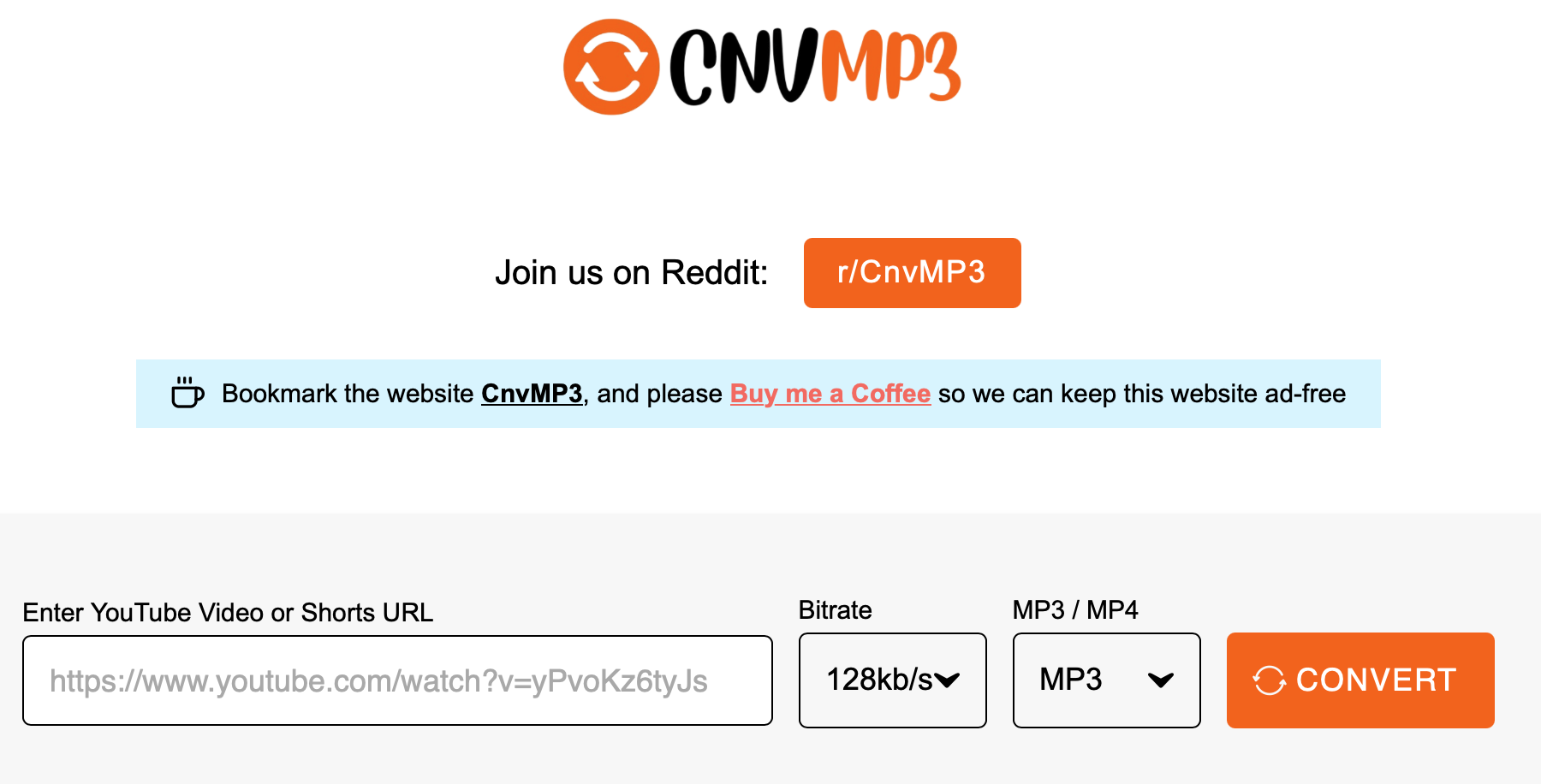
CnvMP3 is a free tool that lets you download YouTube videos and convert them into audio or video formats, making it easy to listen to songs or podcasts offline when you don’t have access to YouTube. It works as a YouTube to MP3 and MP4 converter, allowing users to download content simply by copying and pasting a YouTube video URL into the service.
However, it does not support downloading or converting YouTube playlists, so each video must be processed individually.
2. converterbear.pro(Online)
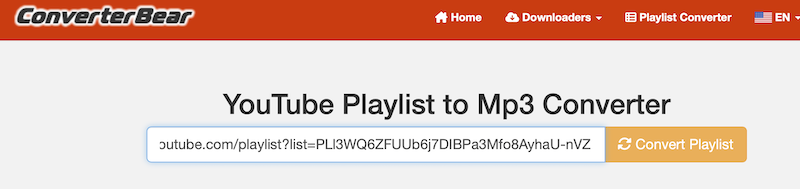
converterbear.pro is also an online YouTube playlist to mp3 converter. It can dedect YouTube playlist url and collect all videos, but you still need to save individual videos manually, there isn’t a built-in playlist-to-MP3 downloader feature. Compared to amp3.cc, the pro is that length of the playlist is not limited, it allows to convert and download the full YouTube playlists.
How to use this online tool to convert YouTube Playlist to MP3?
- Copy the URL of a YouTube playlist from your web browser.
- Visit https://converterbear.pro/playlist-converter.php and paste the copied URL to the input field.
- Click on the Convert Playlist button.
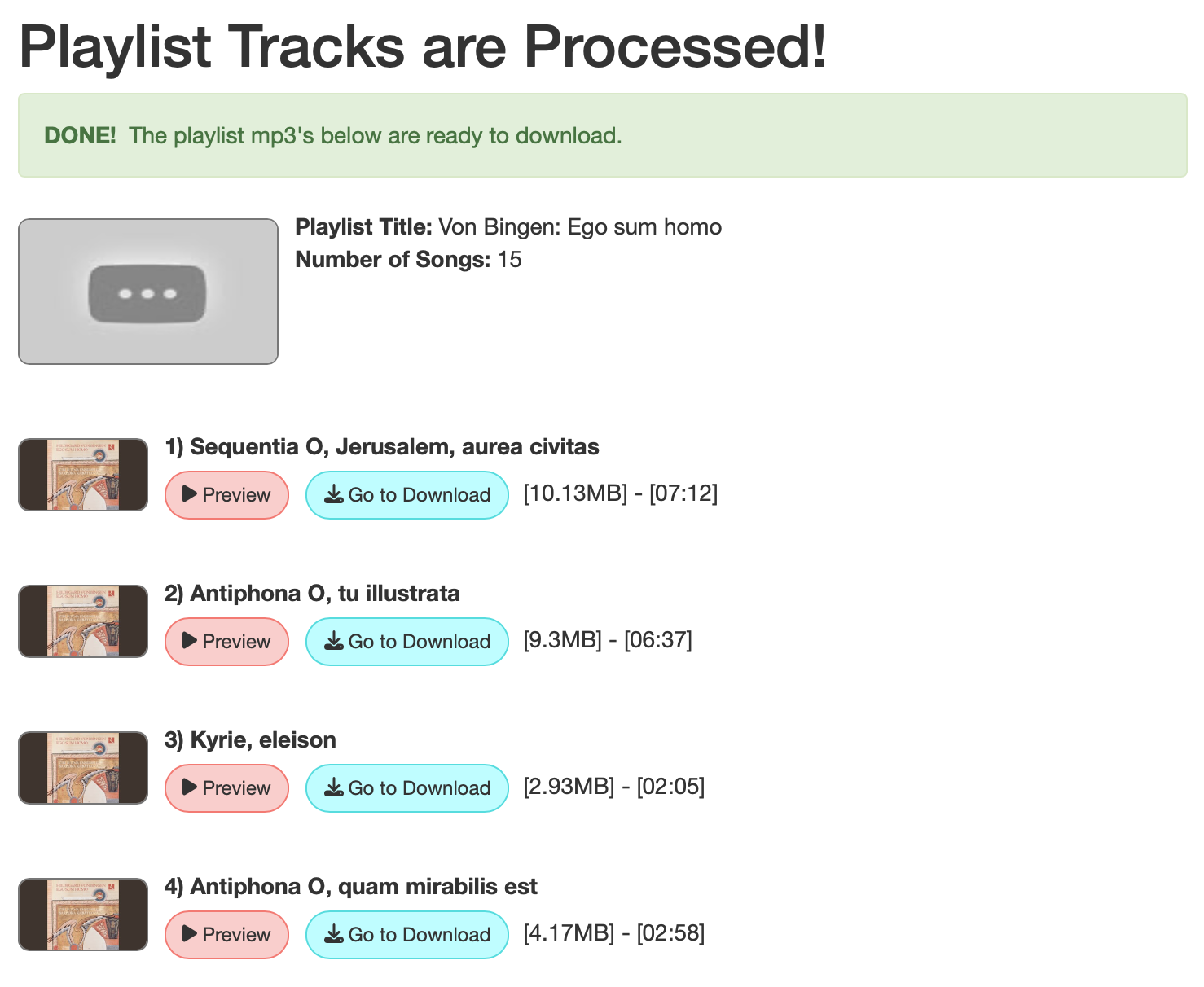
- This tool will process the playlist and list all videos in it.
- Click Go to Download and download the videos to MP3. You need to download each song one by one.
Cons:
Too many ads.
Download YouTube videos to MP3 one by one.
Low audio quality.
Slow download speed.
3. https://yout.com/(Online)
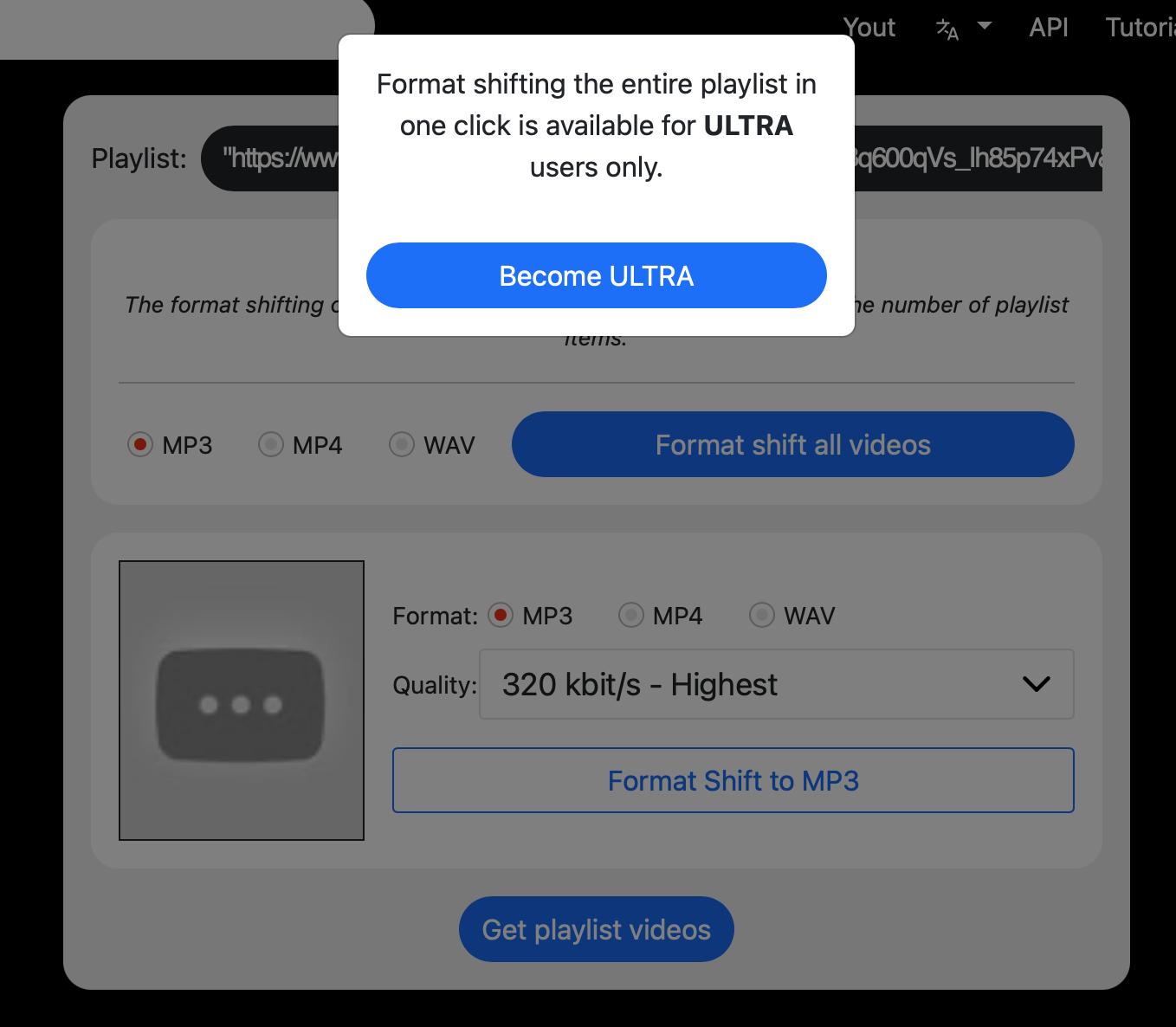
https://yout.com/ is a website that allows you to download YouTube videos and playlists in MP3, MP4, and WAV formats. You can save videos/audio in various quality levels, ranging from the lowest to the highest available. However, this service is not free. To convert YouTube playlists, you need to subscribe to an ULTRA account, which costs $82.47 per month.
4. https://oneforalldownloader.com(Online)
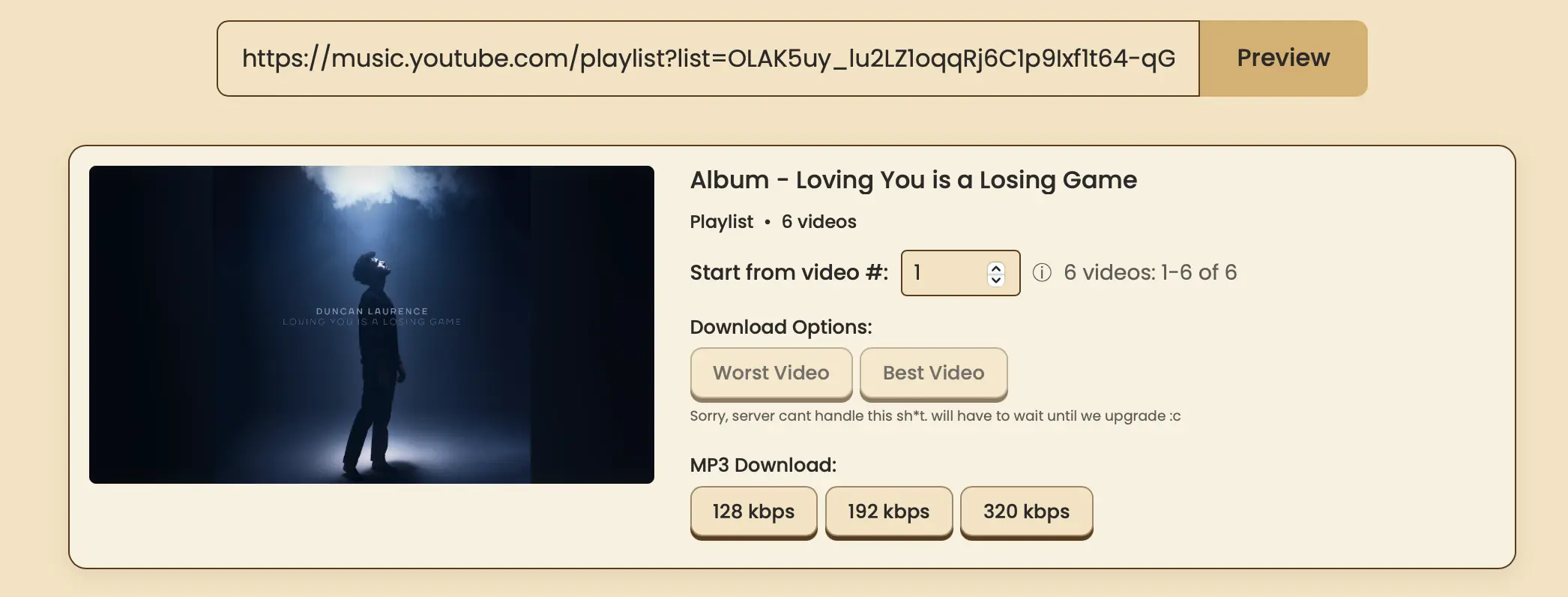
OFA Online Video & Audio Downloader is specifically designed to convert YouTube videos or playlists to MP3 online for free, offering three high-quality options: 128kbps, 192kbps, and 320kbps. Individual video duration must be under 2 hours. Each video in a playlist should not exceed 30 minutes, and a maximum of 100 items can be downloaded per session (resume functionality may be added in the future).
5. NewPipe(Android)
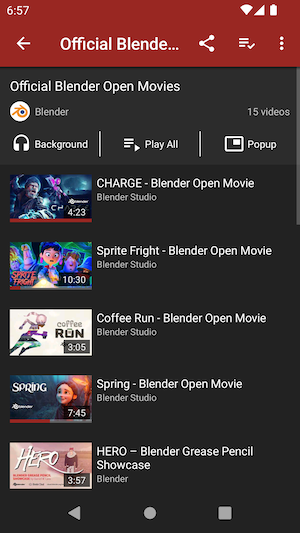
NewPipe is a YouTube client for Android that lets you browse and watch YouTube ad-free, login-free, and download content in audio or video formats. It also lets you browse a few other platforms on there, like soundcloud and bandcamp. It supports downloading YouTube video to audio in M4A and WebM format. The application is open source and you can check on it at GitHub.
How to use NewPipe to convert YouTube video to M4A?
- Download and install NewPipe on your Android device.
- Browse or search to find the video you want to download.
- Play the video and tap the Download button on the video page.
Cons:
Doesn't support MP3 format.
Can't download palylist.
6. yt-dlp(CLI tool)
For Mac, Windows, Linux
yt-dlp is a command-line tool, meaning you can only use it by entering commands at the command prompt. This makes it less beginner-friendly but extremely powerful. It also requires local installation, which can be a bit inconvenient.
Related: How to use yt-dlp?
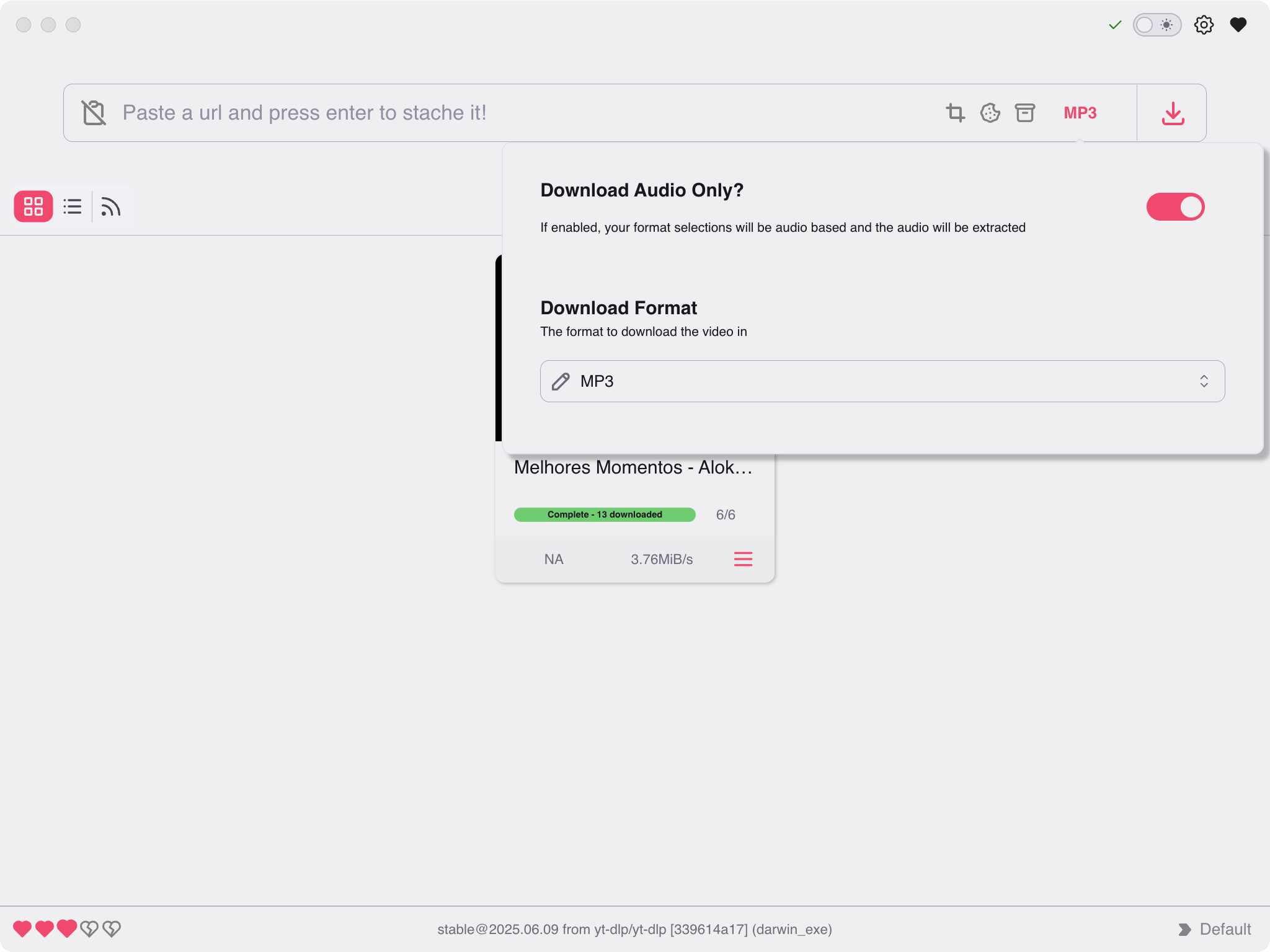
If you are unfamiliar with command-line operations, you may opt for third-party graphical interface tools such as Stacher.
Download, install, and run Stacher on your computer. Navigate to the settings interface and select MP3 as the download format. Copy and paste the YouTube playlist URL to begin downloading.
7. JDownloader(Mac/Windows/Linux)
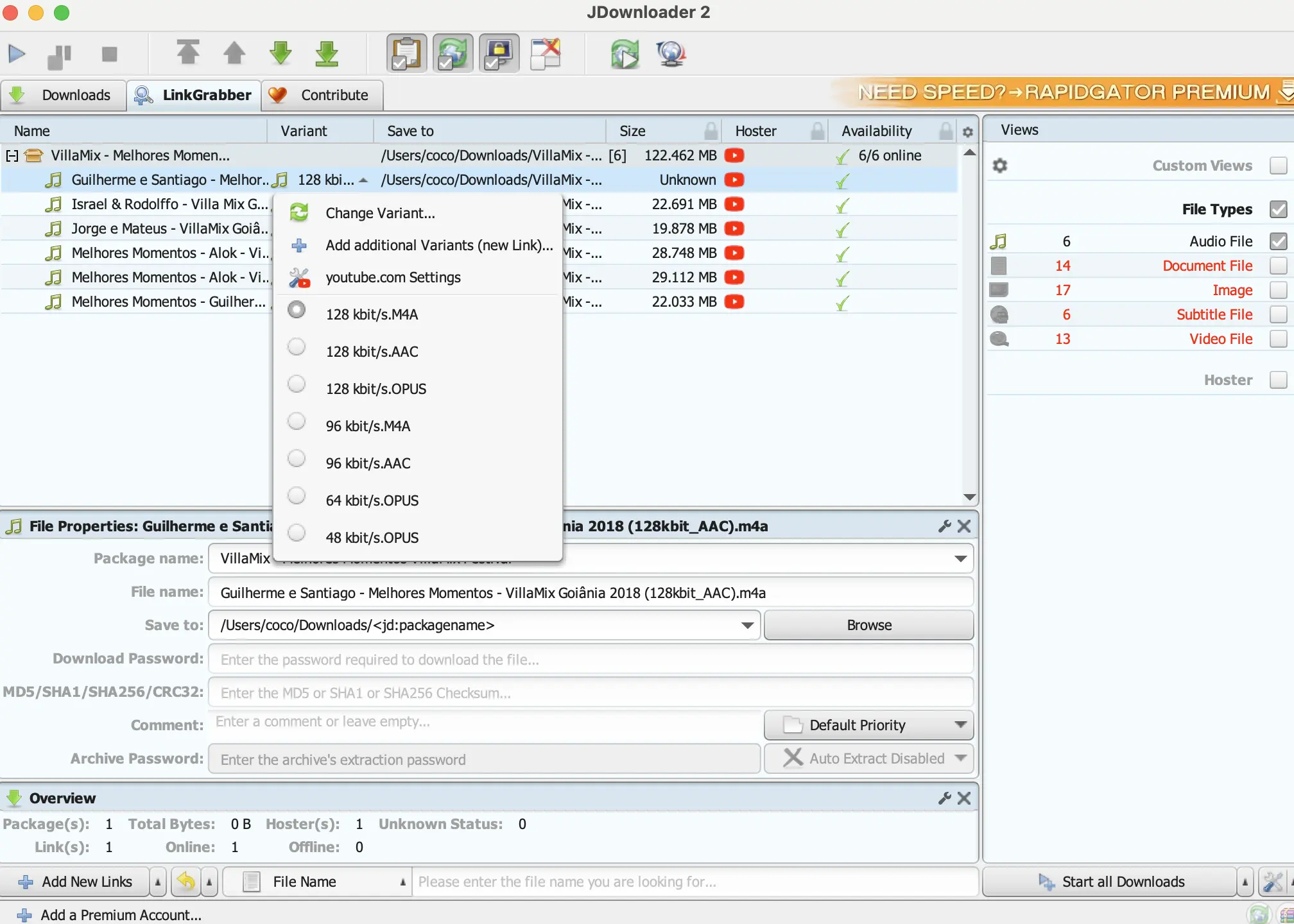
JDownloader is a free, open-source download manager for Mac, Windows, and Linux systems that supports batch downloading entire YouTube playlists. Simply copy and paste the playlist link to download all content with one click. Users can choose to download video files, audio files, or both. This tool converts YouTube video playlists into audio files in M4A, AAC, and OPUS formats.
1. Download, install and run JDownloader on your Mac/Windows/Linux.
2. Click Add New Links in the left bottom corner and copy&paste the YouTube playlist url.
3. Click Playlist when it ask you what would you like to do.
4. Wait it to analysis the url and list all video files.
5. Check Audio File on the right side and uncheck other file types if you don't want them.
6. Click Start all Downloads in the bottom right corner and wait JDownloader to download audio files from the YouTube playlist.
8. Ondesoft YouTube Music Converter(Mac/Windows)
Ondesoft YouTube Music Converter is a professional YouTube playlist downloader that supports downloading any music video playlist as high-quality MP3 files at 320kbps. Featuring a built-in YouTube Music web player, it effortlessly searches and locates any music video playlist. As an exceptional YouTube-to-MP3 converter, it downloads songs from YouTube Music and converts them to MP3, AAC, FLAC, AIFF, WAV, or M4A formats while fully preserving original audio quality. Converted songs can be permanently saved for use, compatible with all devices supporting MP3 format without requiring an internet connection. Additionally, Ondesoft YouTube Music Converter supports 10x faster downloads and fully preserves ID3 tags after conversion. Below is a step-by-step guide to converting playlists to MP3 using Ondesoft YouTube Music Converter.
All YouTube music video playlists can be found on YouTube Music, along with additional curated playlists. Ondesoft YouTube Music Converter not only downloads any music video playlist from YouTube as MP3 files but also downloads any playlist from YouTube Music.
1. Run Ondesoft YouTube Music Converter
To get started, download, install and run Ondesoft YouTube Music Converter on your Mac/Windows, which features a built-in YouTube Music web player.


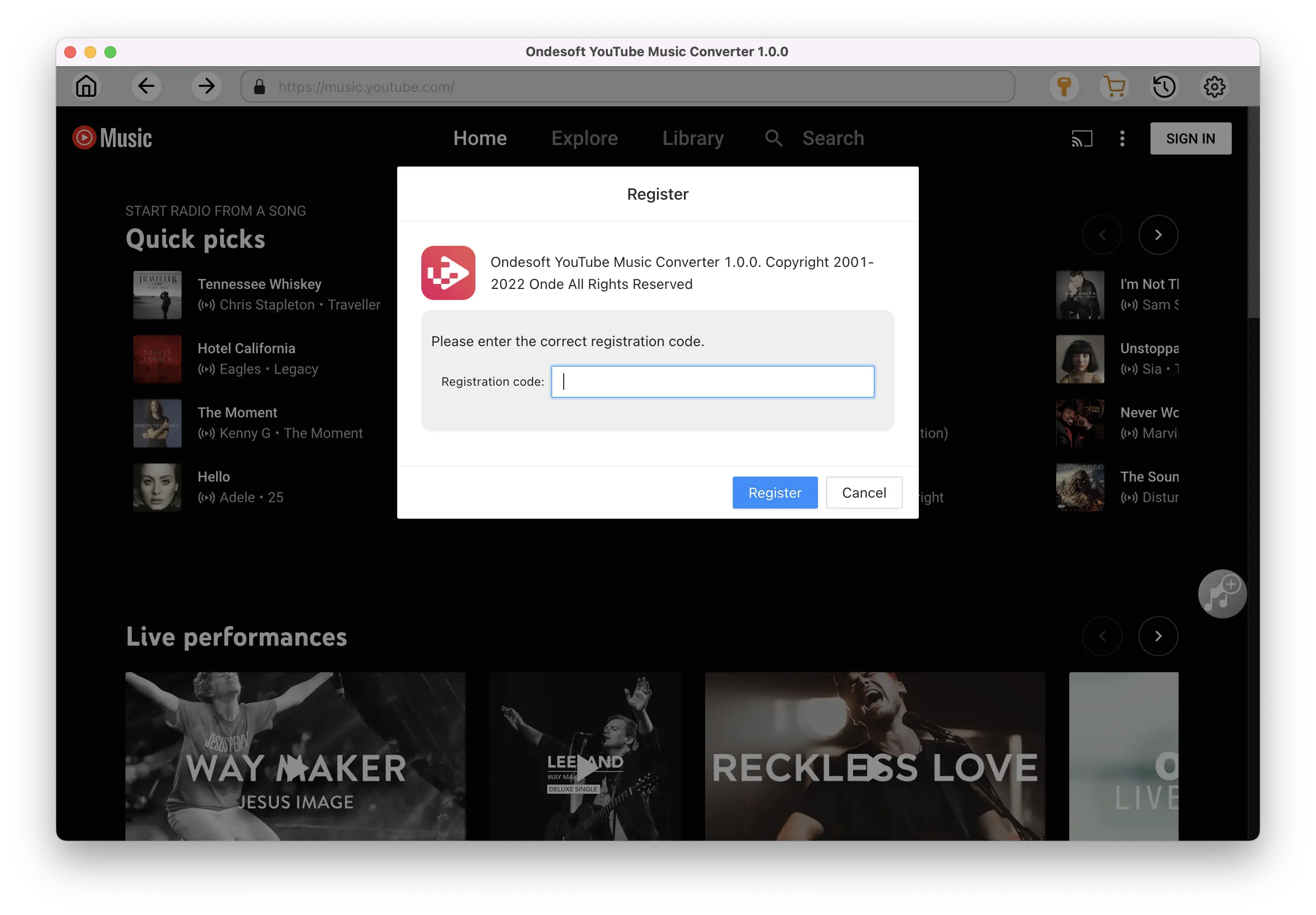
If you have already purchased a license, click the key icon to register the converter. If not, continue using the trial version.
2. Customize output settings(optional)
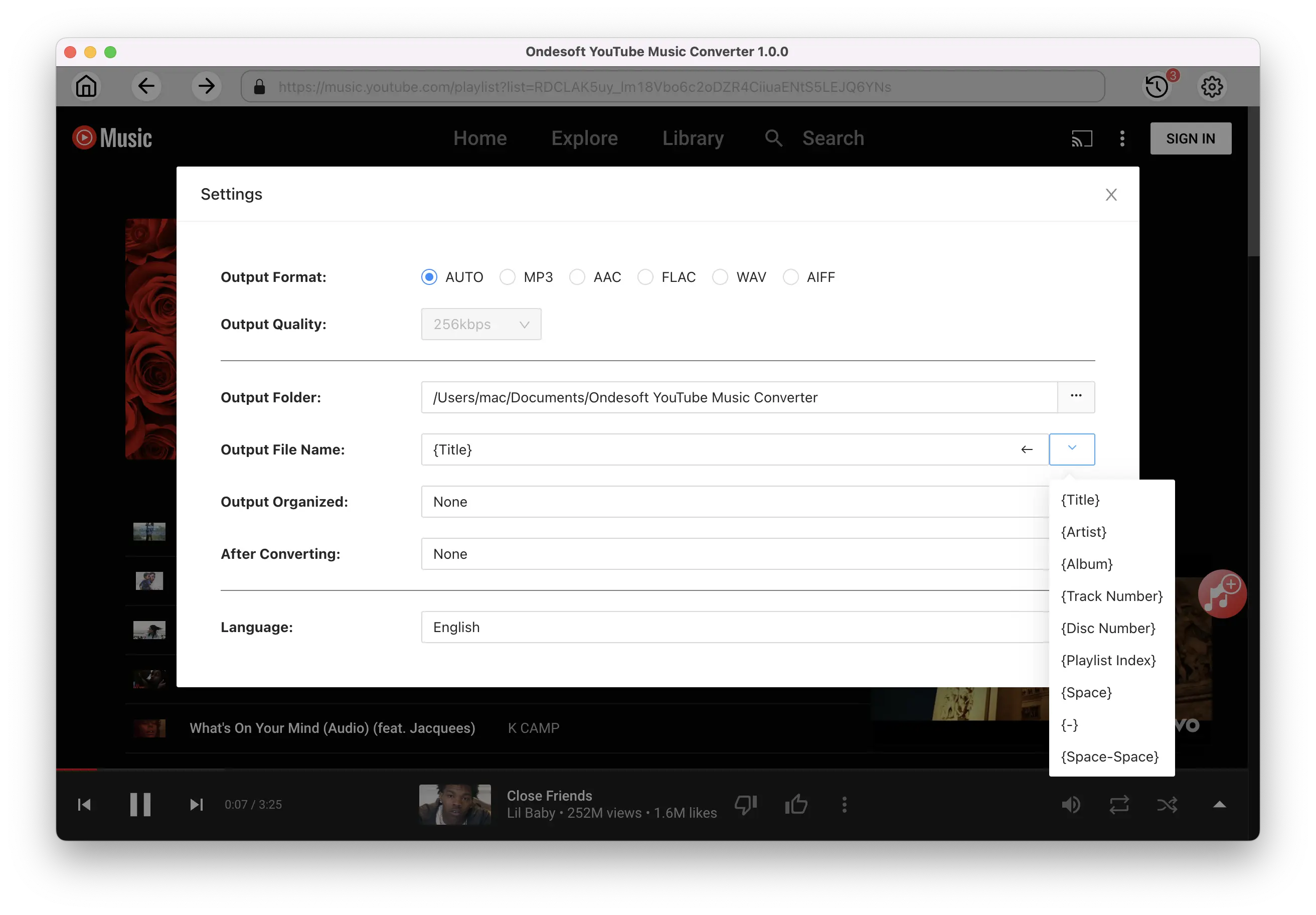
Tap on the Settings gear icon to change the output settings. The default output format is MP3. Ondesoft YouTube Music Converter also supports M4A, WAV, FLAC, AIFF, AAC. Select the most suitable file format. You can also change bitrate, samplerate according to your needs.
3. Add songs
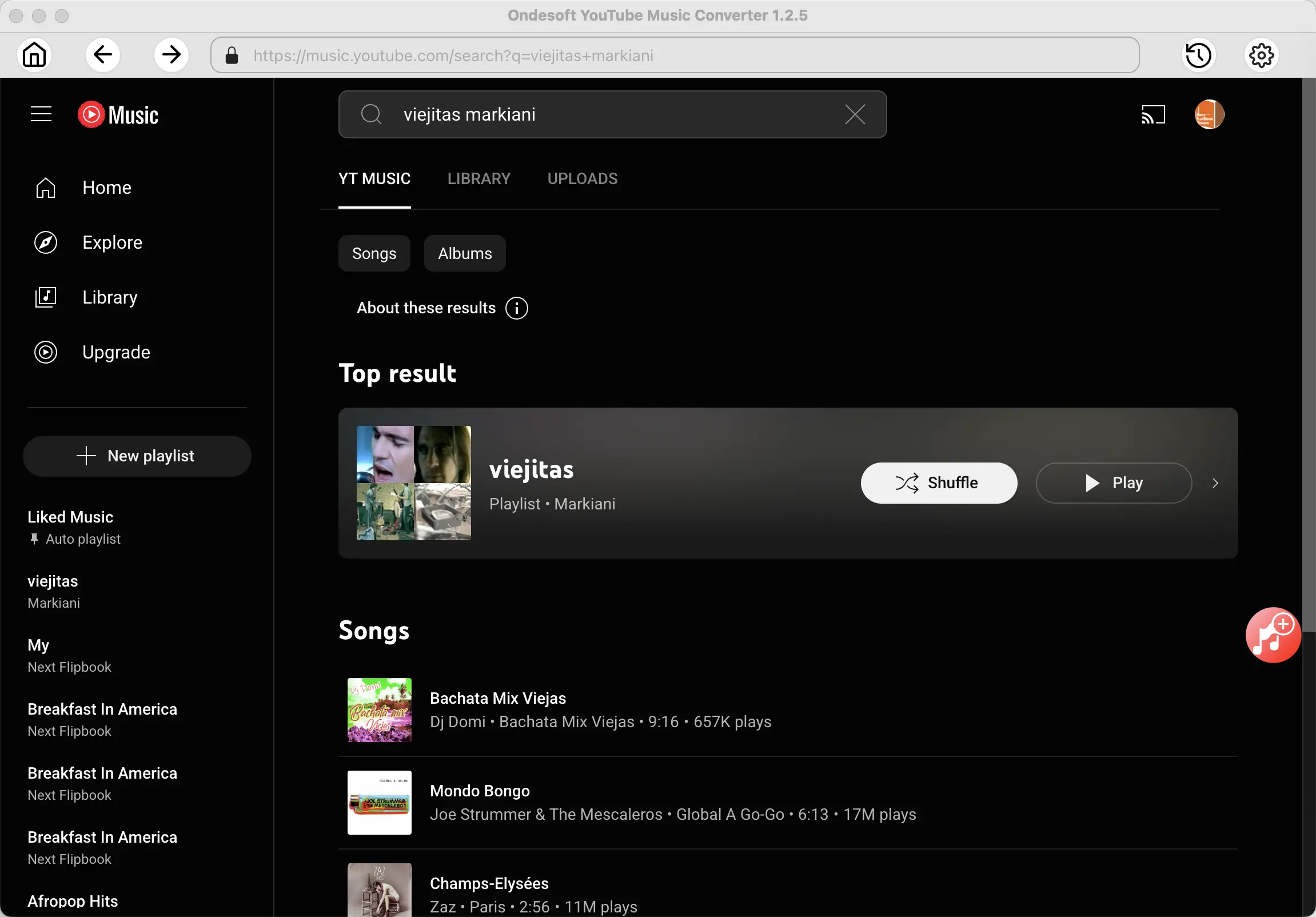
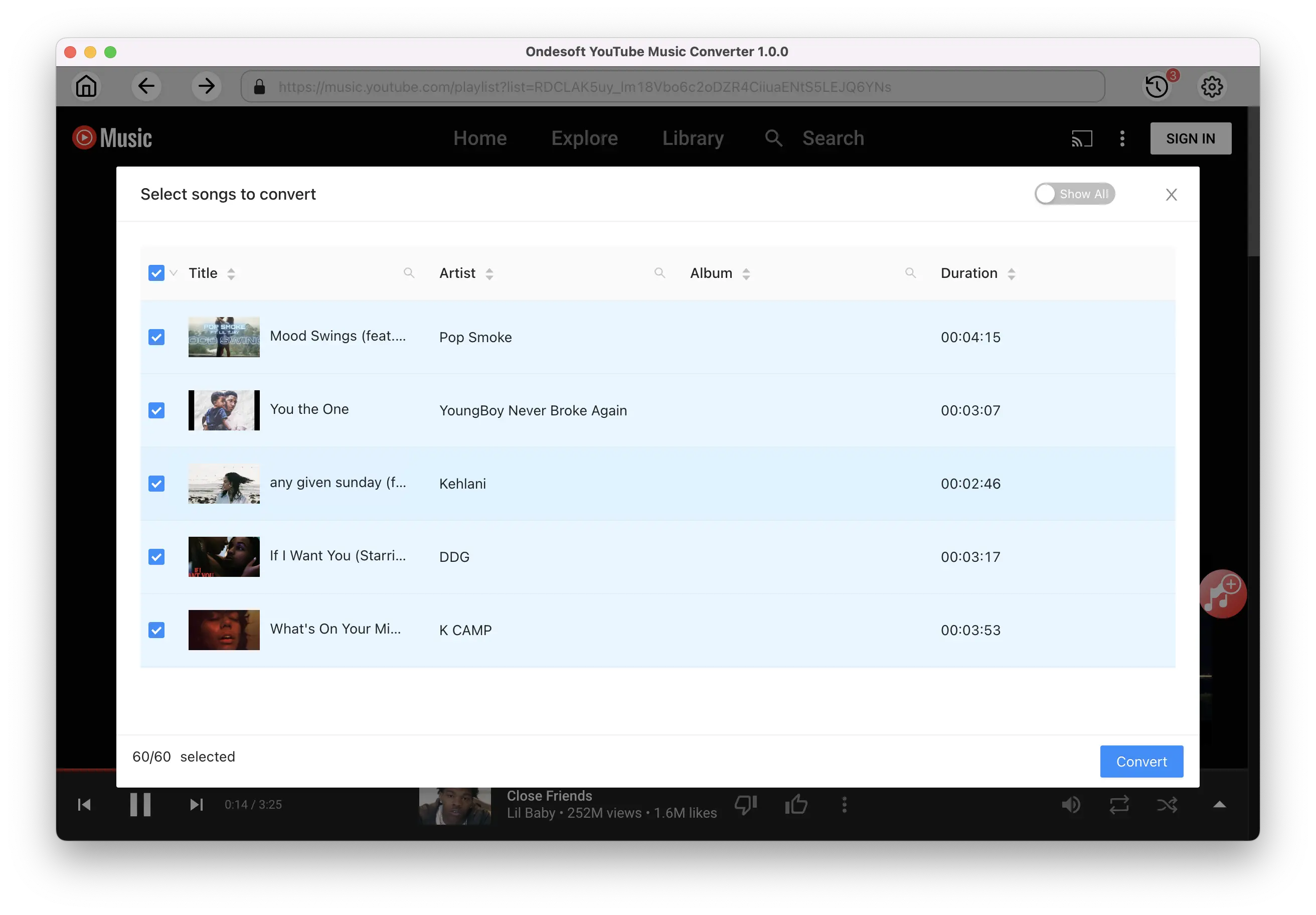
Search or browse in the built-in web player to find the playlist you want to download. Then click the red Add to list button to load songs. All songs in the playlist will be added by default. You can uncheck the songs you don't want to get.
How to find YouTube playlists in YouTube Music?
Change www.youtube.com to music.youtube.com, then you will find the playlist in YouTube Music. For example, change
https://www.youtube.com/playlist?list=PL8RbexYjXNa6fDBq600qVs_Ih85p74xPv
to
https://music.youtube.com/playlist?list=PL8RbexYjXNa6fDBq600qVs_Ih85p74xPv
Save the playlist to library, then you will find it in Ondesoft YouTube Music Converter when you log in your account.
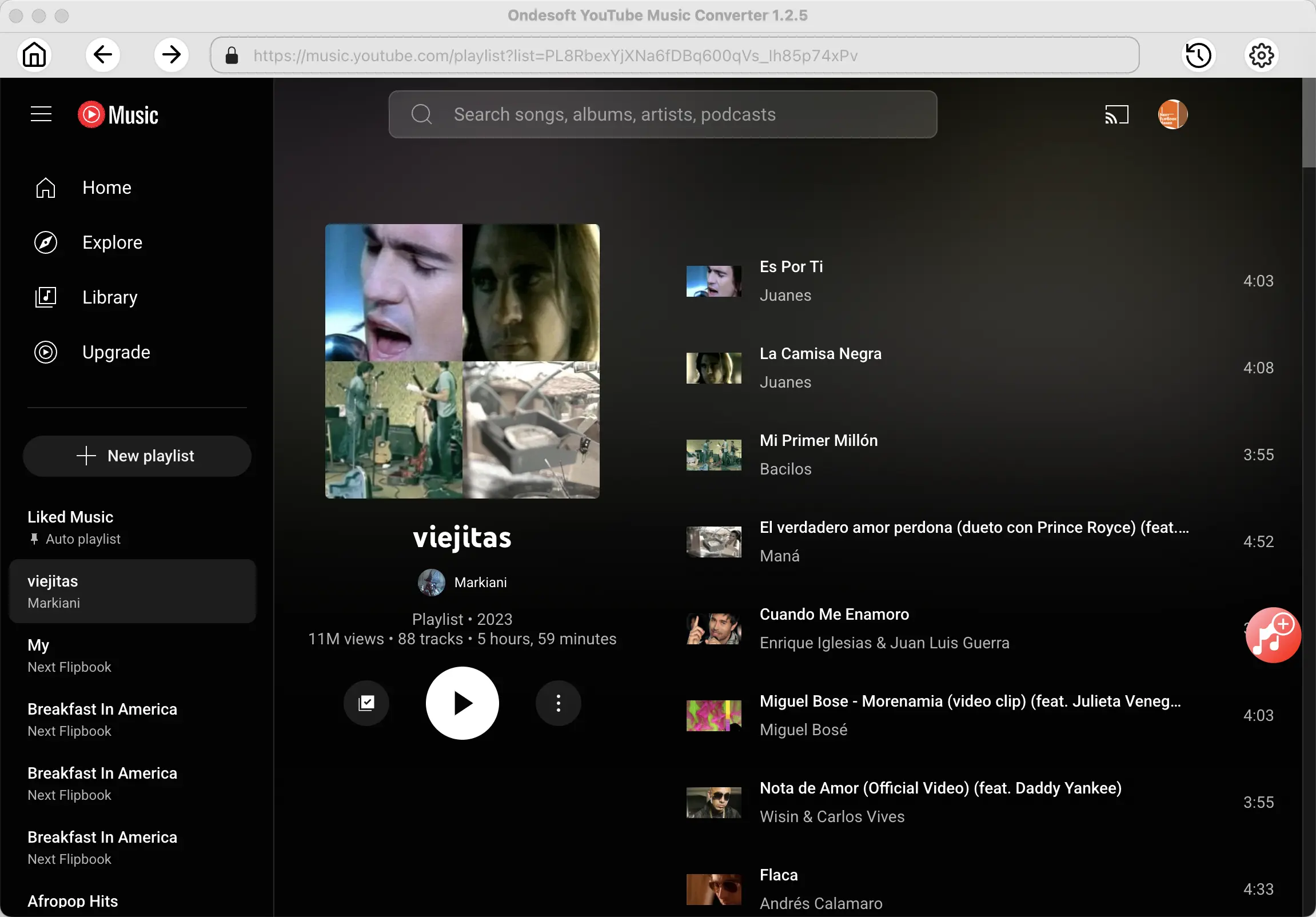
Or you can search the playlist title and artist in YouTube Music to quickly find the playlist.
Click the red button to load songs.
4. Download YouTube Music playlists to MP3
Click on the Convert button, YouTube Music Converter will start to download playlists in MP3 format.
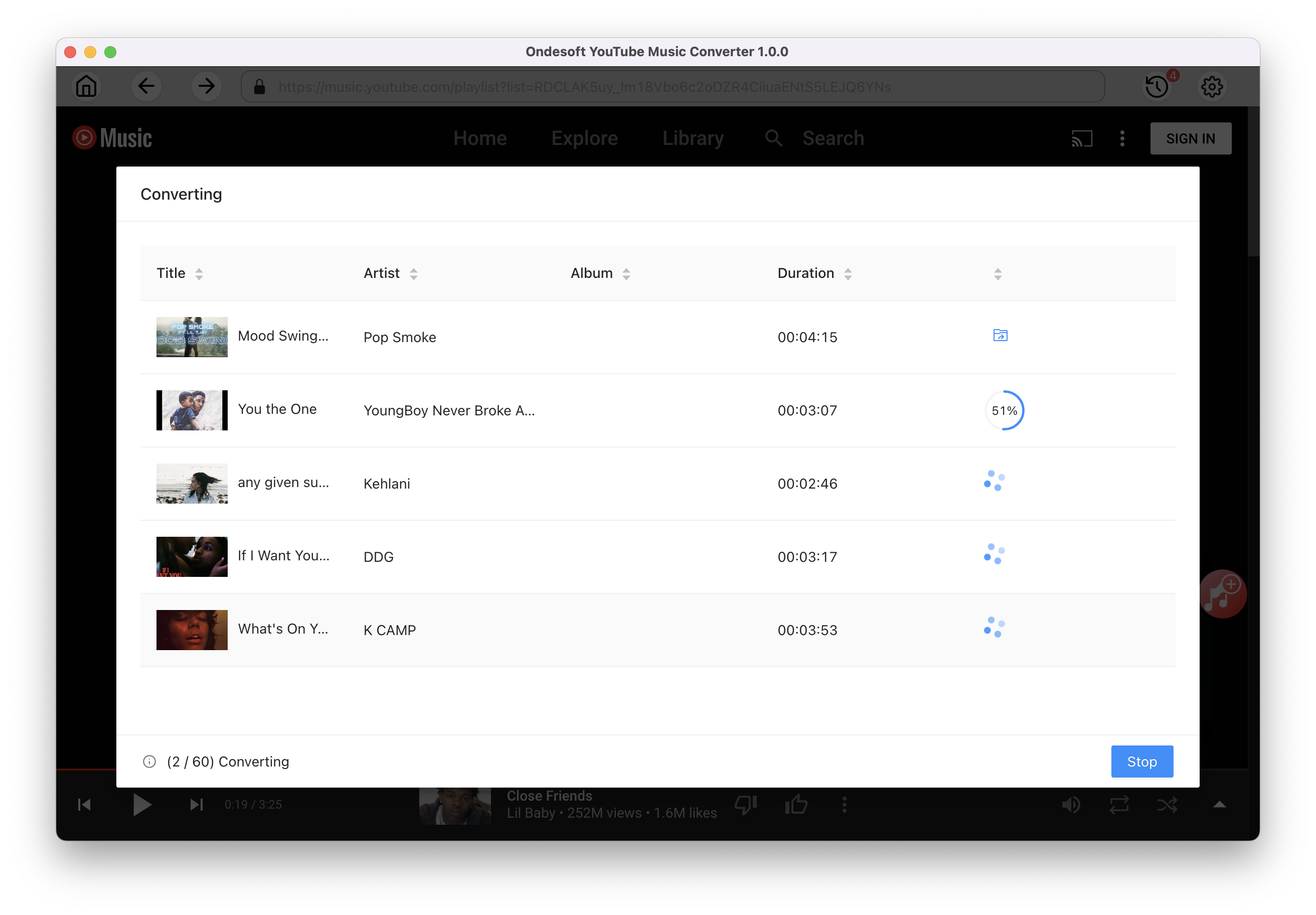
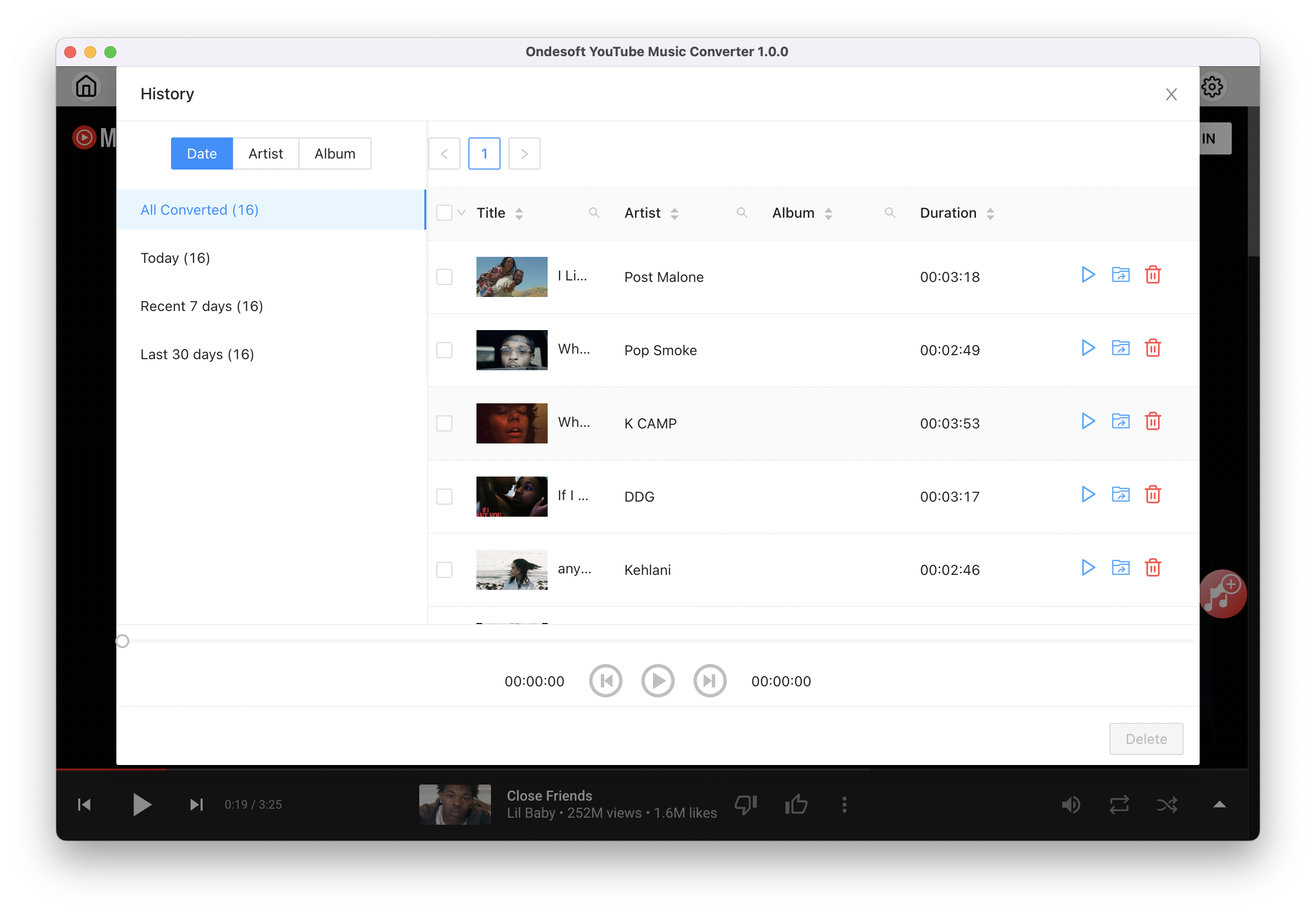
Once the songs have been downloaded, click the folder icon to quickly locate the DRM-free YouTube Music songs in the format you choose. You can then transfer and play it anywhere. To view or manage the music you’ve downloaded, click the clock icon on the top right corner of Ondesoft YouTube Music Converter interface.
Conclusion
There are some online YouTube playlist converter that allows you to download YouTube playlists to MP3, however, they either contains ads, or downloads mp3 in low quality. So we strongly recommend Ondesoft YouTube Music converter to download any YouTube music video playlists or YouTube Music playlists to MP3.
Ondesoft YouTube Music Converter

Download and Convert YouTube Music to MP3, M4A, FLAC, etc. on Mac&Windows